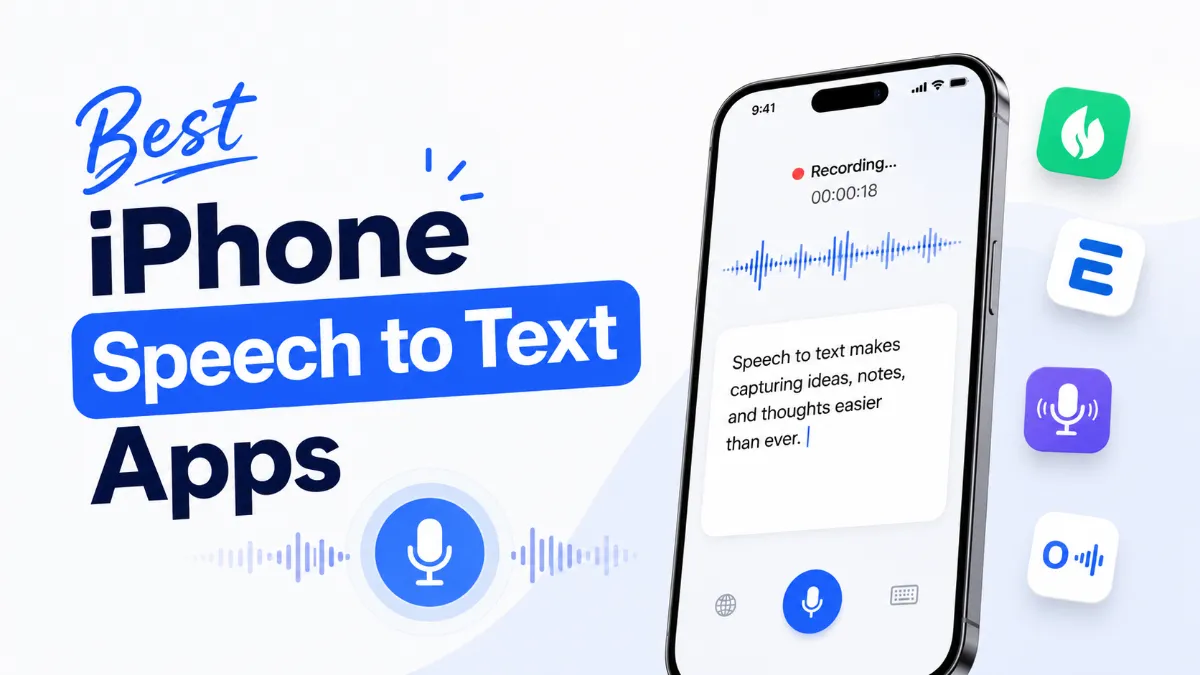
Not all speech to text apps for iPhone are built for the same job. Apple's Dictation handles quick notes and text input. Otter.ai transcribes hour-long meetings. Dragon Anywhere turns your phone into a professional dictation tool. Rev captures audio for later clean-up. Choosing the best iPhone speech to text app comes down to knowing which of these use cases you actually have — because optimizing for the wrong one means paying for features you don't need or accepting limitations you didn't anticipate.
This breakdown covers the main options, what each does well, where each falls short, and which type of user each is actually built for.
Before downloading anything, it's worth understanding what iOS includes by default.
Dictation turns speech into text inside any text field on your phone. Tap the microphone icon on the keyboard, speak, and your words appear in real time. Since iOS 17, Dictation on iPhone 12 and later runs on-device — meaning it works without an internet connection and doesn't send audio to Apple's servers.
Best for: notes, messages, emails, search queries — any short to medium text input where you'd normally type
Limitation: not built for long-form transcription, no export options, no speaker labels
Siri is a voice assistant, not a dictation tool. It handles commands (set a timer, call someone, open an app) and can compose and send messages. It's not a replacement for Dictation in text fields.
Voice Control (Settings → Accessibility → Voice Control) lets you navigate and operate your entire iPhone by voice — tapping buttons, scrolling, dictating text. It's primarily an accessibility feature, but also useful for hands-free device operation.
App | Best For | Accuracy | Offline | Price |
|---|---|---|---|---|
Apple Dictation | Quick text input, daily typing | High | Yes (iOS 17+) | Free |
Meeting transcription | High | No | Free / $10/mo | |
Audio recording + transcription | Very high | No | Free / per-use | |
Professional long-form dictation | Very high | No | $15/mo | |
Document drafting in Google Docs | High | No | Free | |
Whisper-based apps | Accurate transcription, multi-language | Very high | Varies | Free/Paid |
Otter.ai records audio and transcribes it in real time, with speaker identification and summary generation. It's the go-to choice for meeting notes, interviews, and lecture capture. The free tier offers 600 minutes/month — enough for regular use without paying. The paid tier adds longer recording limits, Zoom/Teams integration, and team sharing.
Best for: anyone who regularly attends meetings or conducts interviews and needs searchable transcripts
Limitation: cloud-dependent, accuracy drops with strong accents or noisy rooms, no offline mode
Rev records audio and offers both AI transcription (fast, ~99% accuracy, inexpensive) and human transcription (more expensive, used for legal or broadcast-quality work). The iPhone app records, stores, and submits audio in one flow. If you need a reliable text record of an important conversation or presentation, Rev's combination of high-quality audio capture and accurate transcription makes it the best iphone app for speech to text when accuracy is the non-negotiable.
Best for: journalists, legal professionals, content creators who need accurate, formatted transcripts
Limitation: not a real-time tool — transcripts take time, and human transcription is expensive
Dragon Anywhere is the mobile version of Dragon Professional, which has been the industry standard for dictation software for decades. It's optimized for long-form dictation in specific domains: legal, medical, business. The vocabulary customization and formatting commands (punctuation, new paragraph) make it significantly more powerful than consumer apps for sustained dictation work.
Best for: professionals who dictate long documents regularly and need custom vocabulary
Limitation: $15/month subscription, requires internet, overkill for casual use
If you draft documents in Google Docs on iPhone, Voice Typing (via the Google Docs app or Chrome) lets you dictate directly into a document. It's free, requires no setup, and accuracy is comparable to Apple Dictation. The key advantage: your dictated content goes directly into a formatted Google Doc without copy-pasting.
Best for: writers and students already working in Google Docs
Limitation: Google account required, cloud-dependent, no speaker identification
OpenAI's Whisper model powers several iPhone apps (including Whisper Transcription, Aiko, and others) and delivers consistently high accuracy across languages and accents. Unlike real-time STT, most Whisper-based apps process audio after recording — meaning you record first, then get a transcript. Some apps run the model on-device.
Best for: multilingual users, heavy accents, specialized vocabulary, or anyone who finds cloud STT unreliable
Limitation: not real-time; processing delay after recording
Use this as a direct decision framework:
You type on your phone a lot: Apple Dictation is already there and works — start here before downloading anything
You attend or run meetings: Otter.ai free tier is the clear choice; upgrade only if you hit the minute limit
You need a clean transcript for a specific recording: Rev's AI transcription is fast and accurate at a low per-file cost
You dictate long documents professionally: Dragon Anywhere is worth the subscription if you're generating significant text volume daily
You want high accuracy without a subscription: Whisper-based apps offer strong quality, especially for audio recorded in varied conditions
The best speech to text app for iPhone is the one that matches how you actually work — not the one with the most features.
If you're looking for the reverse workflow — having text read back to you — AI Listen handles audio playback of articles, documents, and web pages on iPhone. It's a useful complement if your workflow involves both dictating content and consuming it by ear.
For most iPhone users, Apple Dictation is the right starting point — it's accurate, free, and works everywhere. Add Otter.ai if you need meeting transcription, Rev if you need clean formatted transcripts, and Dragon Anywhere if professional dictation is a daily workflow. The best iPhone app for speech to text isn't about finding the most powerful option — it's about matching the tool to the task.