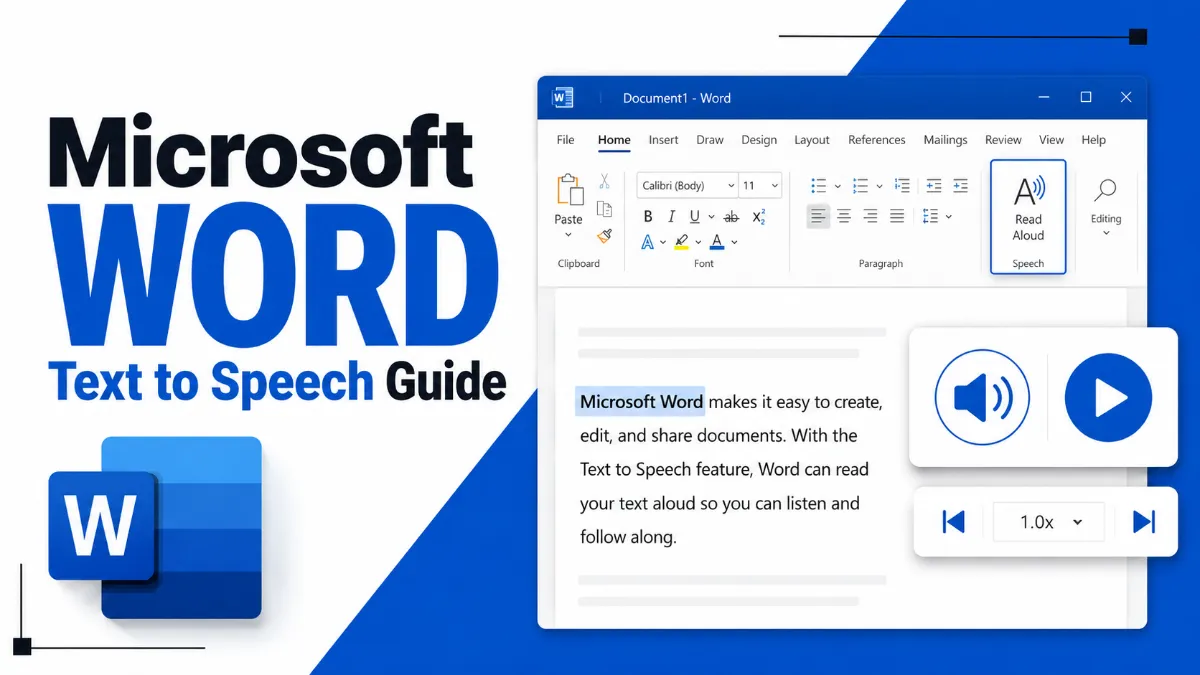
Microsoft Word has built-in text-to-speech features, but they work differently depending on your version. This guide covers Read Aloud in Microsoft 365, the Speak command in Word 2016/2019, keyboard shortcuts, and what Word's TTS can and cannot do.
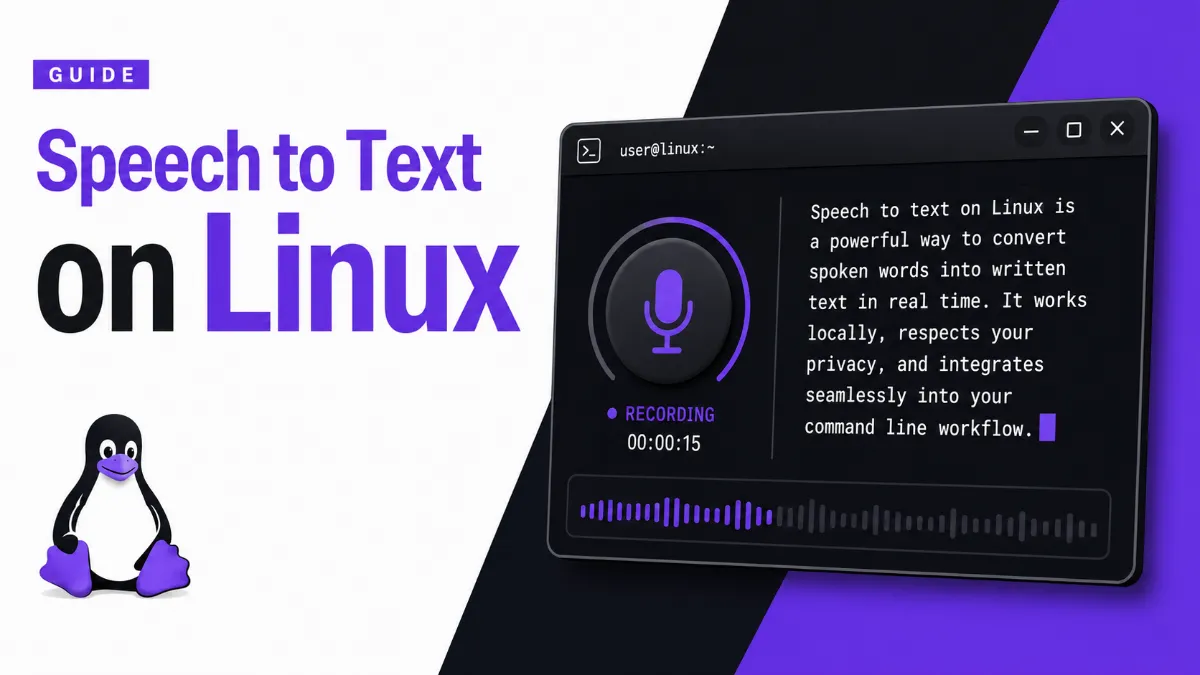
Speech to text on Linux is more fragmented than on Windows or Mac — but powerful options exist. This guide covers the best free and offline tools, from Vosk to OpenAI Whisper, with setup examples and honest advice on what actually works.
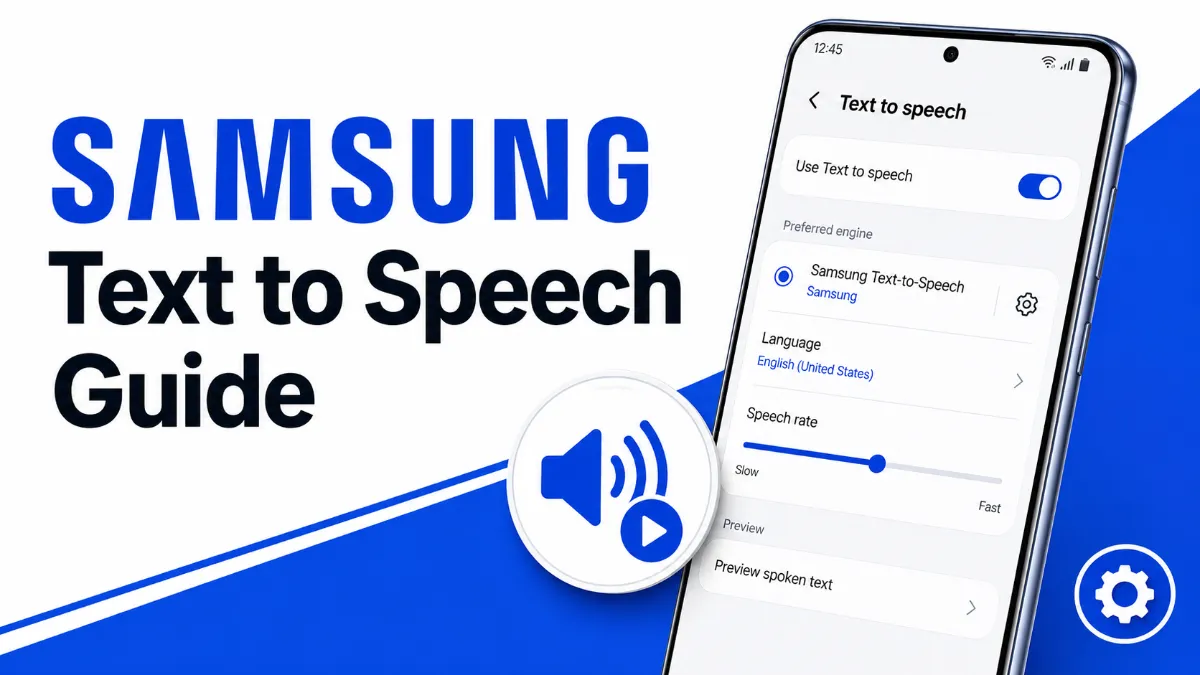
A complete guide to Samsung Text to Speech — how to turn it on, customize voices, choose between Samsung and Google TTS engines, and resolve the Android 15 bug that breaks TTS in third-party apps.
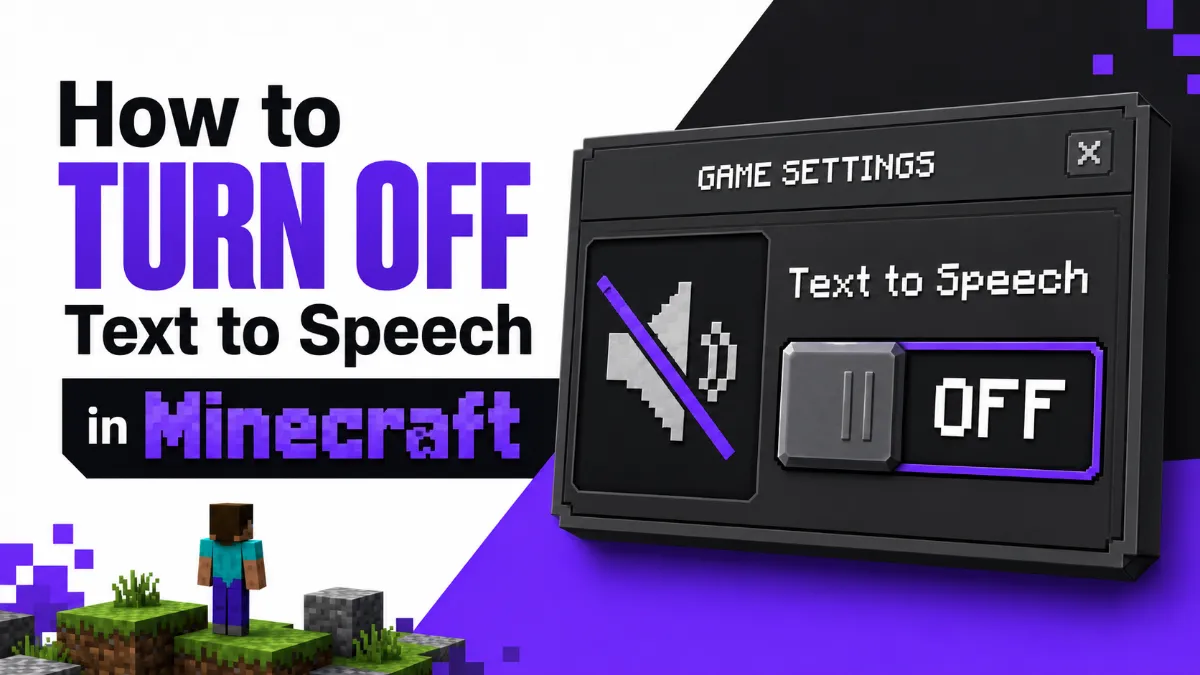
Minecraft's narrator reads everything out loud — and it's easy to trigger by accident. This guide shows you how to turn off text to speech in Minecraft across every platform: Java Edition, Bedrock Edition, Xbox, PS5, and Nintendo Switch.
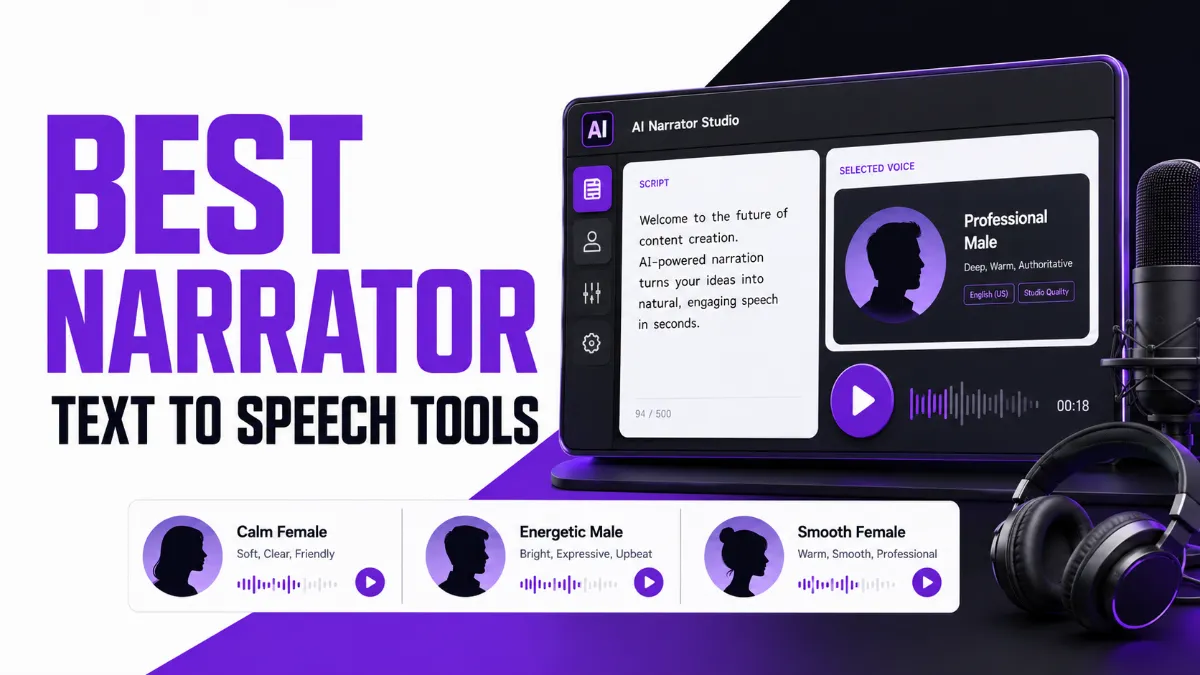
Confused about narrator text to speech? This guide covers both sides: Windows Narrator as an accessibility screen reader, and the best AI narrator voice tools for YouTube creators, audiobook producers, and content marketers.
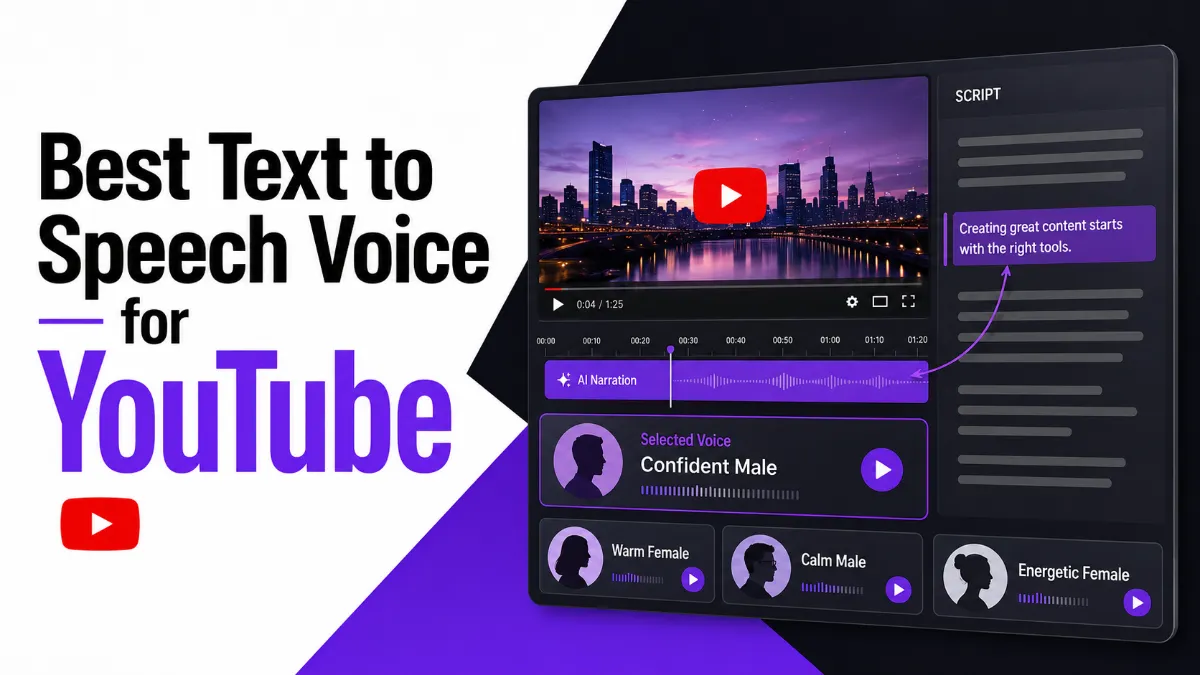
Looking for the best text to speech voice for YouTube? This guide covers top free and paid TTS tools for faceless channels, how to pick the right voice, monetization rules, and a complete step-by-step voiceover workflow.
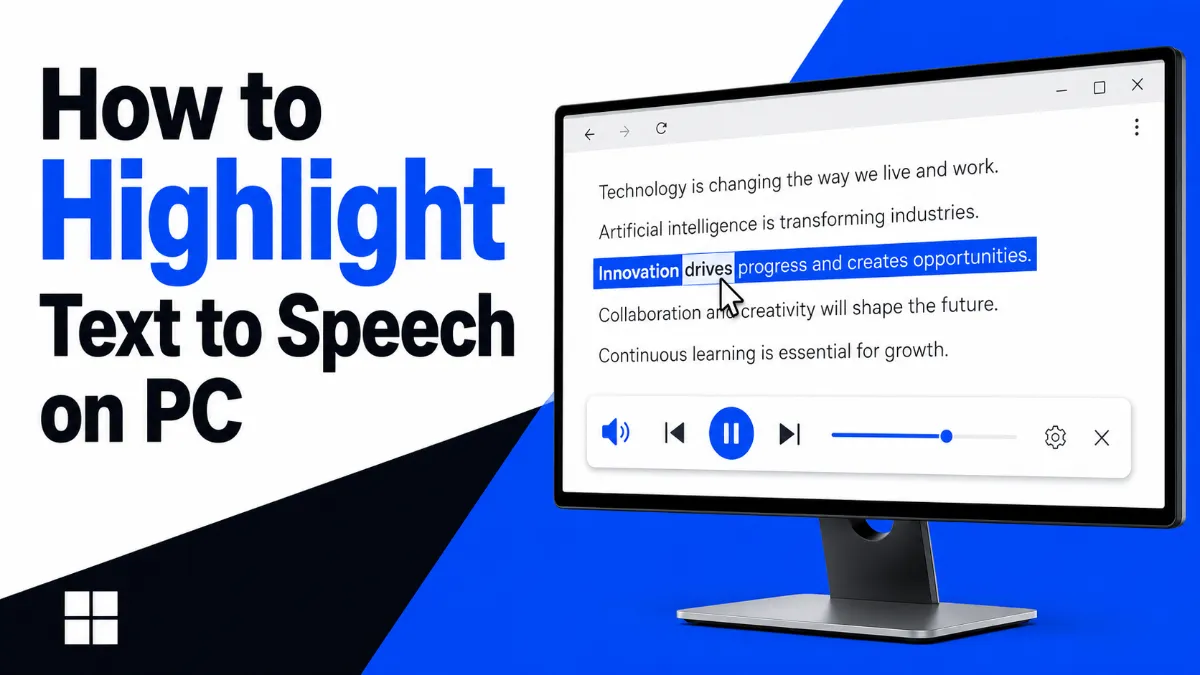
Discover the best ways to highlight text to speech on PC — from Chrome extensions and Edge's built-in Read Aloud to Windows Select-to-Speak and third-party apps. Find the right tool for your workflow.
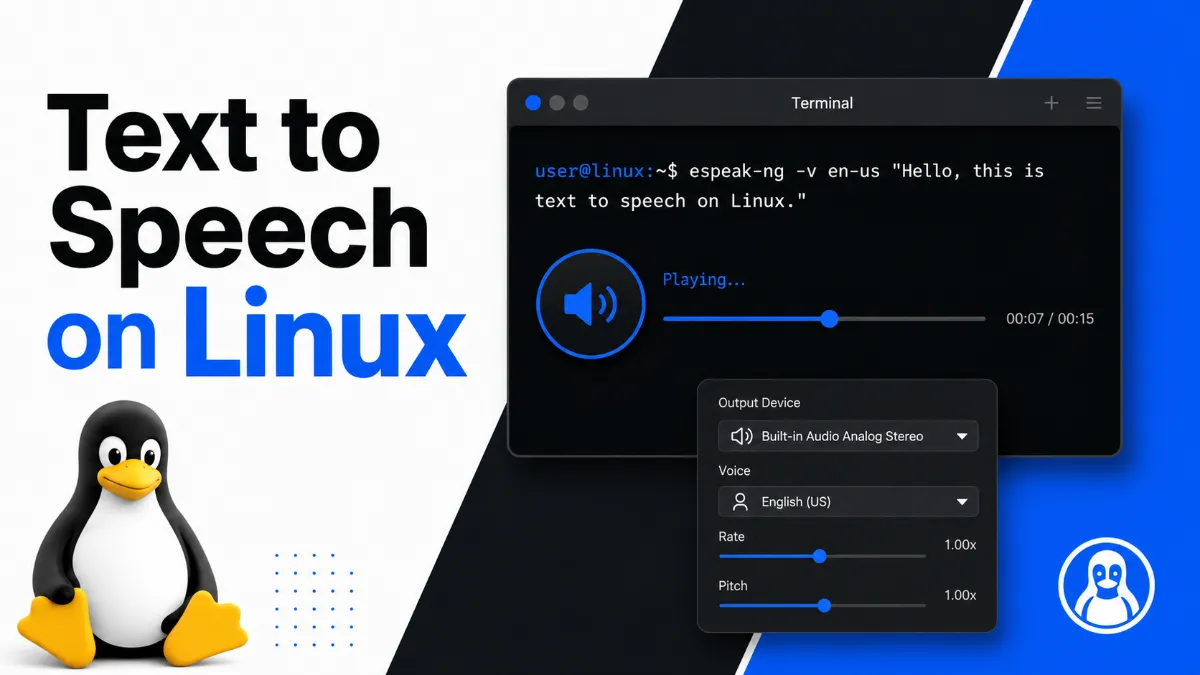
Text to speech on Linux is more capable than most users realize. This guide covers CLI tools like eSpeak and Piper, the best GUI app for desktop users, and online alternatives — with install instructions for Ubuntu.
MacBook has strong built-in speech to text tools, but knowing which one to use — Dictation, Voice Control, or a third-party app — depends on what you're trying to do. This guide covers all three options and helps you choose the right one.
'Siri text to speech' means two different things to different users — either having Apple devices read text aloud to you, or generating a Siri-style AI voice for your own content. This guide covers both, plus what changed with Siri AI in 2026.
Windows has multiple built-in text to speech tools, and each one does something different. This guide explains Narrator, Voice Typing, Edge Read Aloud, and Office Read Aloud — and which one to use for listening to content, dictating text, or accessibility.
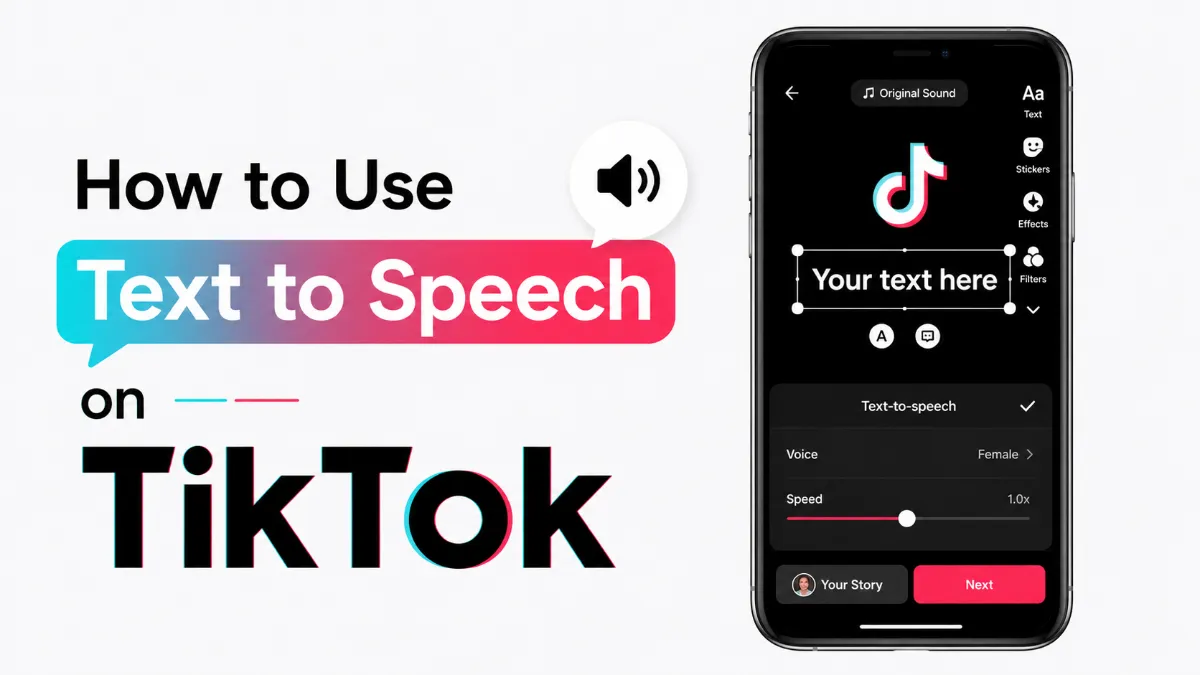
TikTok's built-in text to speech feature is one of the most engaging ways to add audio to your videos — no voiceover recording required. This guide covers how to add it in the app, all voice options available, and external tools for more control.
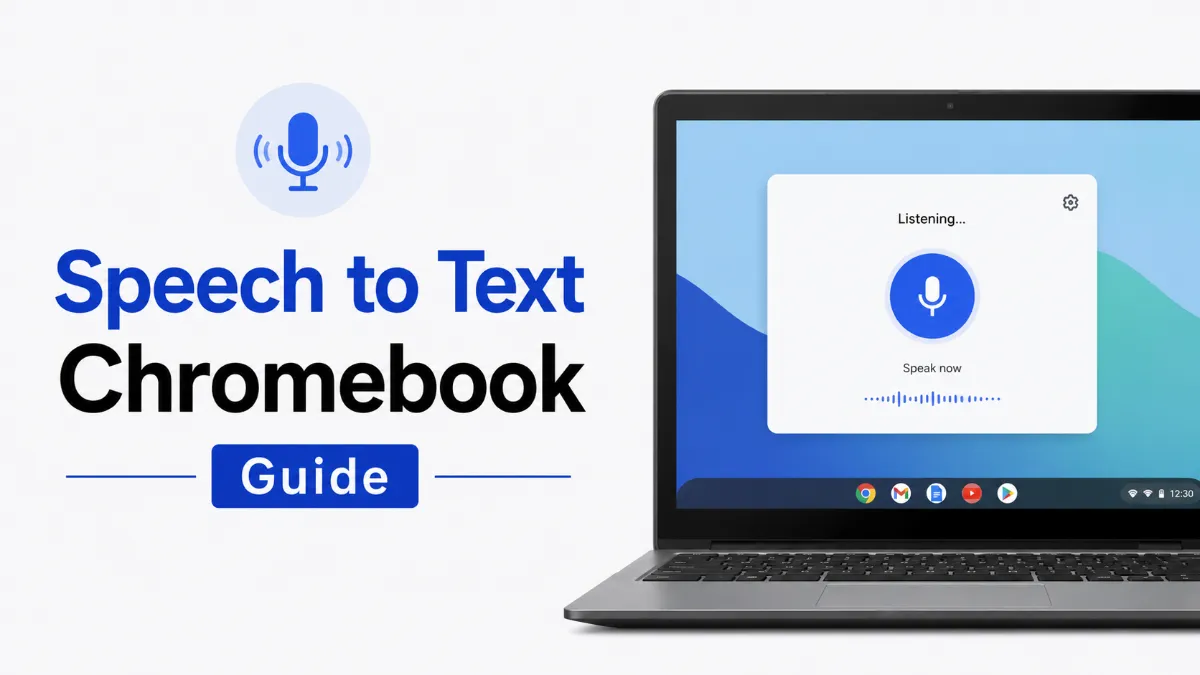
Chromebook has multiple speech and voice tools built in, but they serve very different purposes. This guide explains which feature to use for typing by voice, which to use for having text read aloud, and when a Chrome extension gives you more than the built-in options.
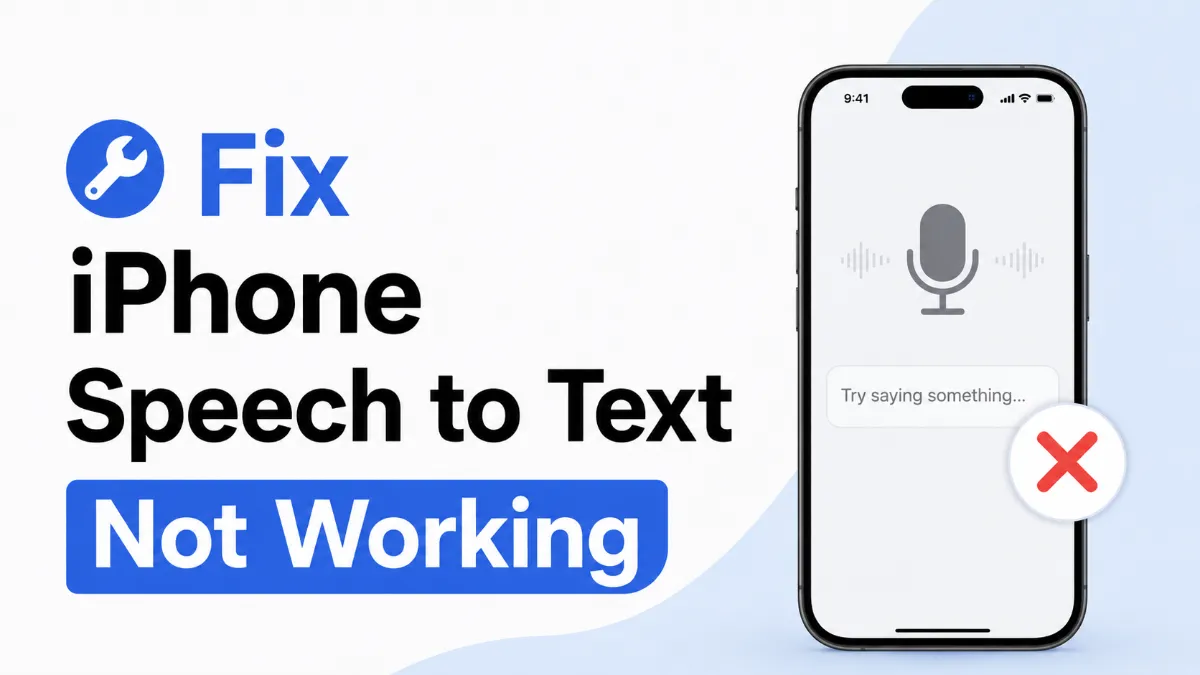
When iPhone speech to text stops working, the cause is almost always one of a handful of settings issues — not a hardware failure. This guide walks you through a structured diagnostic process to find and fix the problem quickly.
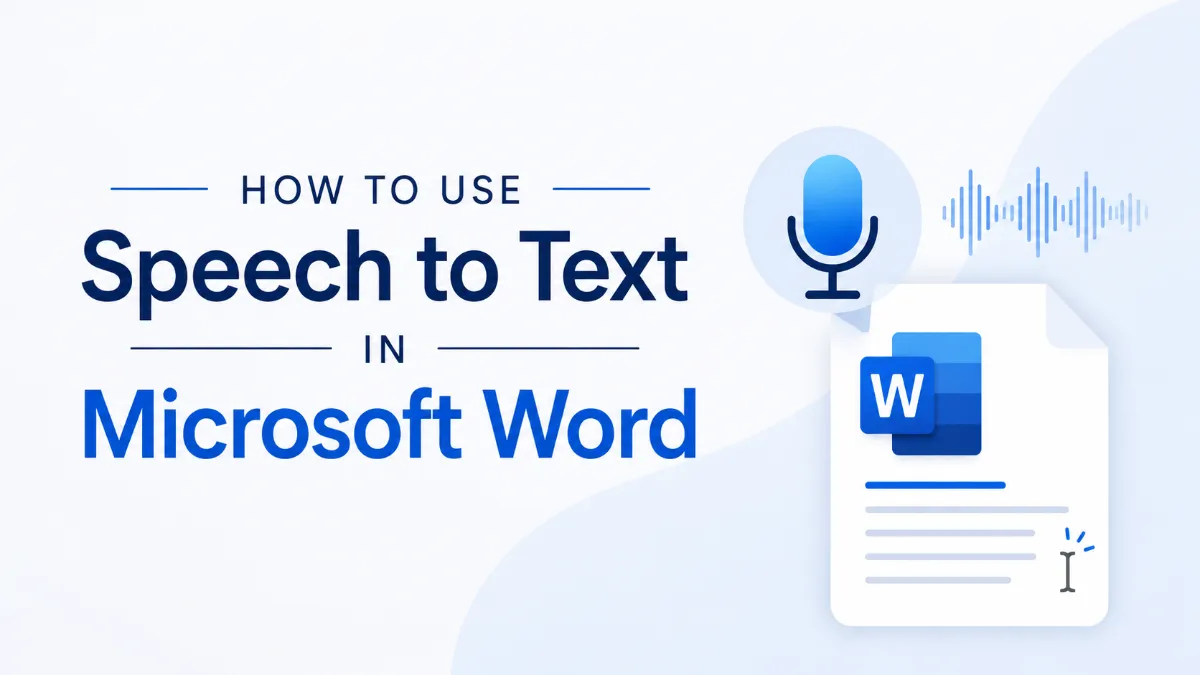
Microsoft Word has a built-in Dictate feature, but it only works with a Microsoft 365 subscription. If you're on a standalone version, there's a free alternative that works just as well. Here's everything you need to know about speech to text in Word.
Text to speech is built into nearly every device you already own — but the right option depends on what you're trying to do. This guide covers how to enable and use TTS on Windows, Mac, iPhone, and Android, plus how to choose the right tool for your specific use case.
AI story generators turn prompts into structured drafts for fiction, marketing, and education. In this guide, we cover how AI story generators work, their core features, benefits, limitations, and how to choose the right AI Story Generator.
Want AO3 offline listening on iPhone? Follow this step-by-step guide to import from the web, switch chapters smoothly, and listen on the subway or in Airplane Mode.
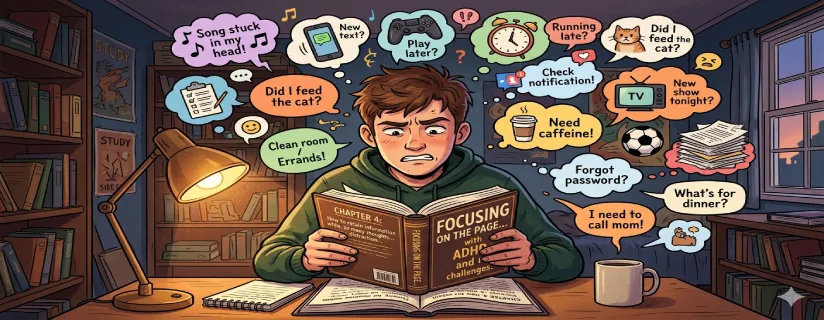
Struggling with ADHD reading drift? This guide shows fast environment fixes, chunked reading, recall questions, and a review step that improves retention.