Text to Speech App for Personal Use

AI Listen
Text to Speech

The best text to speech AI TTS app for iOS. Turn any text — PDFs, web pages, books, fan fiction — into ultra-realistic AI voice natural voices with advanced voice technology. 40+ languages, dyslexia-friendly, powered by cutting-edge AI reading technology.

Aria
James
Cassidy
Hope
Spuds Oxley
Play the text
One night—it was on the twentieth of March, 1888—I was returning from a journey to a patient (for I had now returned to civil practice), when my way led me through Baker Street. As I passed the well-remembered door, which must always be associated in my mind with my wooing, and with the dark incidents of the Study in Scarlet, I was seized with a keen desire to see Holmes again, and to know how he was employing his extraordinary powers.

Free to Start · iOS

Text to Speech · Personal TTS

Versatile Text to Speech That Works for You

A Powerful TTS Tool for Every Format

Convert text to audio seamlessly with our AI Listen TTS app. From PDFs, Word, and EPUBs to images and web pages, AI Listen brings your content to life with natural AI voices.
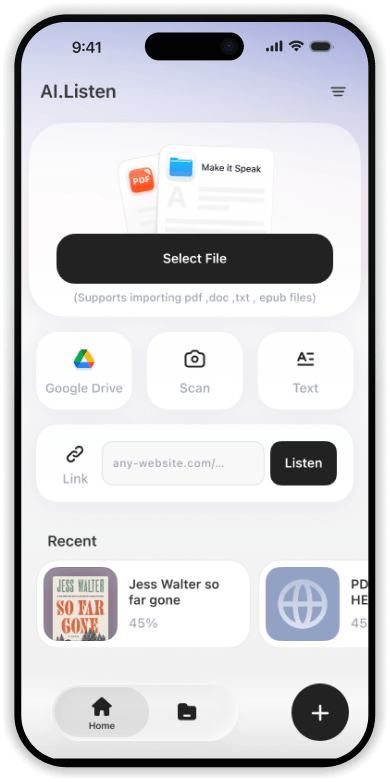
PDFDOC / DOCXTXTEPUBWeb LinksImages (OCR)AO3
A Powerful TTS Tool for Every Format

Your Personal AI Reading Assistant

The best text to speech app for personal use. Convert PDFs, Word documents, images, and web pages into natural AI voice audio. AI Listen handles every format — import once, listen anywhere.
AI Quick Read
Condense entire books into 8–10 min podcast-style overviews. Get the big ideas fast.
Deep Chapter Extraction
Extract core arguments, case studies, and crucial data — chapter by chapter.

See Every Word As You Hear It

Stay focused and retain more with word-by-word text highlighting that syncs perfectly with the AI voice. Watch each word light up as it's spoken — the ideal TTS study tool for students and a proven accessibility aid for people with dyslexia and ADHD.

Perfect for TTS for students, language learners, and anyone who wants to deeply engage with what they're listening to. A truly dyslexia reading tool built for every learning style.

Point, Snap, Listen

Got a physical book, a printed article, or a handwritten note? AI Listen's built-in OCR technology reads printed text from photos in seconds — turning any physical page into an AI audiobook.

Snap a photo of any page — from novels to textbooks to menus — and AI Listen instantly extracts the text and starts reading it aloud with a natural AI voice.

Global AI Voice Generator · 40+ Languages

Voices That Feel Human

Ultra-realistic AI voices across 40+ global languages. Multiple distinct voice personalities — from calm narration to energetic delivery, perfect for text to audiobook conversion. Every voice is powered by neural TTS synthesis.

English中文EspañolFrançaisDeutsch日本語한국어+32 More

🎙️
Professional
Clear, confident, polished
🤗
Warm
Friendly, approachable
Energetic
Dynamic, expressive
🌙
Calm
Soothing, meditative
📖
Narrative
Storytelling, cinematic
Simple by Design

Up and Listening in 5 Seconds

Smart Import

Paste a link, upload a file, or snap a photo of any printed page. AI Listen handles the rest.

Step 01

Choose Voice

Pick from 40+ languages and a range of voice personalities — from calm and warm to energetic and narrative.

Step 02

Immersive Listening

Hit play and enjoy hands-free audio anywhere — commuting, working out, or just relaxing at home.

Step 03
Try AI Listen Free
Who It's For

Ai Listen TTS for Every Listener

From students to professionals, from fan fiction fans to accessibility users — AI Listen is the personal TTS app that adapts to your life.

TTS for Students

Import your syllabi, research papers, and textbooks. Our student reading app keeps you focused with visual word sync — the perfect TTS study tool for any learning style.

Text to Speech for Dyslexia & Accessibility

Word-by-word highlighting, adjustable reading speed, and dyslexia-friendly fonts make AI Listen a leading accessibility TTS app and dyslexia reading tool.

TTS for Schools, eLearning & Training

Turn course materials, compliance docs, and onboarding content into engaging audio. AI Listen supports TTS for schools and AI voiceover eLearning with natural AI voices in 40+ languages — ideal for educators and institutions.

Web Novels & Fan Fiction

Paste any AO3, Wattpad, FanFiction.net, or web novel link. Our advanced text to speech personal engine delivers a smooth, immersive listening experience for every story platform.
Try AI Listen Free
User Reviews

Loved by 500K+ Listeners

Students, professionals, and readers worldwide trust AI Listen as their go-to text to speech app TTS iOS.

Ternia K
Ternia K
I’ve put this through its paces with about four tests so far, and it’s been solid. The variety of languages and voice styles is huge. Definitely off to a great start!
Daniel
Daniel
I had a massive pile of unread business books. Now, I just use AI quick read to grab the highlights first. If it's good, I read the rest. Finally smashing through my reading list!
Corry Wau
Corry Wau
This app is totally next-level but seriously so easy to use. It speaks 40+ languages—just type, paste, or drag in a file and you're good to go!

Does AI Listen support offline listening for PDF documents and articles?

Yes. AI Listen features an on-device AI playback engine that allows you to listen to processed PDFs and documents without an internet connection. Simply process the file once, and it’s available for your commute or travel.

How does AI Listen achieve natural-sounding AI voices compared to standard Text-to-Speech (TTS)?

Unlike traditional, robotic TTS, AI Listen uses Neural Voice Synthesis to mimic human-like intonation. It incorporates natural pauses, dynamic tone shifting, and emotional resonance, making long-form articles feel like a professional podcast rather than a machine reading text.

Can I convert web articles from Wikipedia or online novel platforms into audio?

Absolutely. AI Listen can scrape and convert almost any web-based content. By simply pasting a URL from Wikipedia, news sites, or web novel platforms, the app extracts the core text and transforms it into a high-quality audio experience.

Does AI Listen have OCR to read scanned PDFs and images aloud?

Yes. AI Listen is equipped with advanced Optical Character Recognition (OCR) technology. It can "read" text from scanned documents, textbook photos, or screenshots and convert them into narrated audio, making it a powerful tool for students and researchers.

Can AI Listen summarize long documents into short audio briefings?

Yes. Our signature "8-Minute Blitz" feature uses AI to condense lengthy whitepapers or long-form journalism into concise audio summaries. It captures the essential arguments and key takeaways, saving you hours of reading time.

Does AI Listen support continuous play and auto-loading for chapters?

Yes. To ensure a seamless workflow, AI Listen supports Smart Continuous Playback. It automatically identifies and loads the next chapter or section, allowing you to listen to entire books or serialized research papers hands-free.

Frequently Asked Questions

Everything you need to know about AI Listen — the best text to speech app for iOS.

AI Listen Any Text Any Time Any Voice

Join 500,000+ users turning PDFs, web pages, and books into high-fidelity, natural audio.
Download on the
App Store
Free to Download
iOS 16.0+
Latest Articles

The Latest in Text-to-Speech

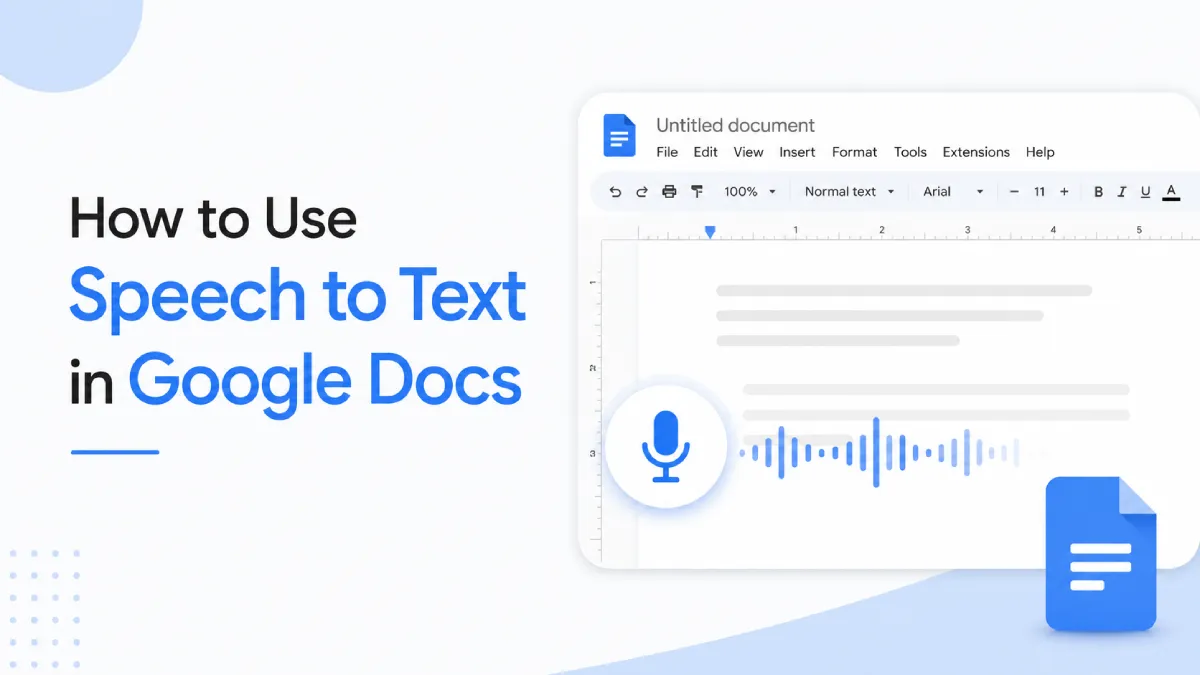
How to Use Speech to Text in Google Docs (2026 Guide)
Tutorials
How to Use Speech to Text in Google Docs (2026 Guide)
Google Docs includes a free voice typing feature that converts speech to text in real time — no plugin required. This guide covers how to set it up on desktop and mobile, the commands you need, and how to fix it when it stops working.
How to Use Text to Speech on TikTok: In-App Guide and External Voice Tools
TTS
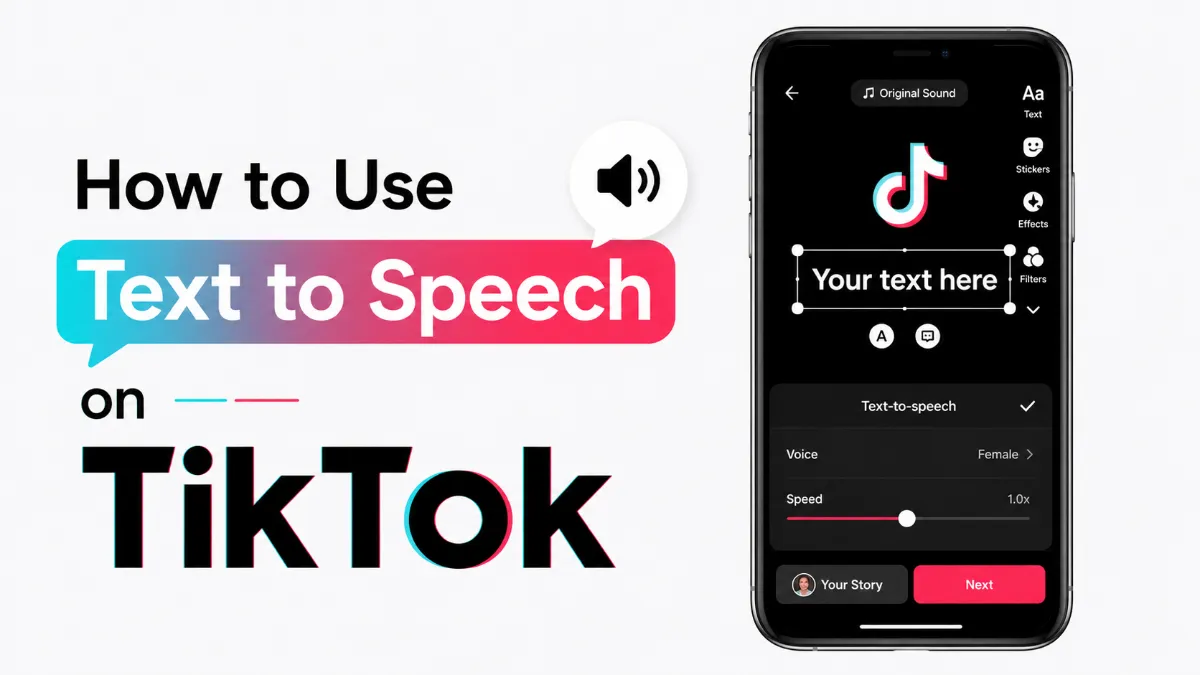
How to Use Text to Speech on TikTok: In-App Guide and External Voice Tools
TikTok's built-in text to speech feature is one of the most engaging ways to add audio to your videos — no voiceover recording required. This guide covers how to add it in the app, all voice options available, and external tools for more control.
AI Audio for Publishing and News: How Publishers Can Turn Written Content Into a Real Listening Product
TTS
AI Audio for Publishing and News: How Publishers Can Turn Written Content Into a Real Listening Product
AI audio is becoming a serious layer in publishing and news. This guide explains the real use cases, tradeoffs, and decision criteria behind adoption.
How to Use Text to Speech on Chromebook: ChromeVox, Select-to-Speak, and Extensions
Tutorials
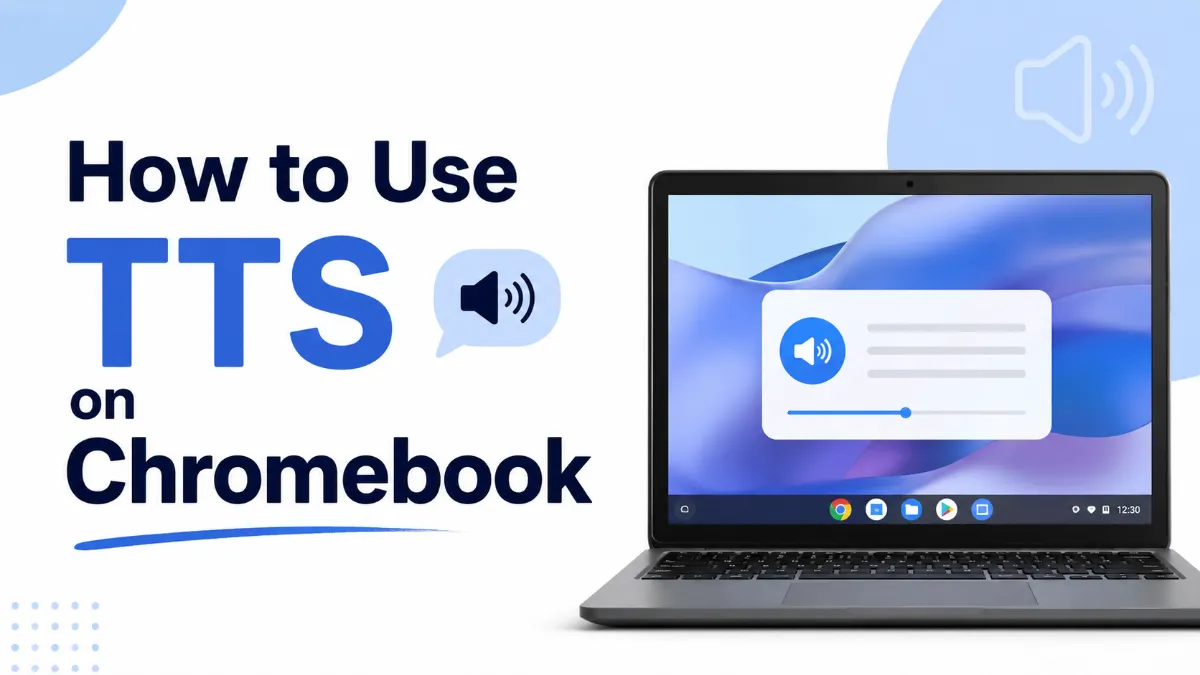
How to Use Text to Speech on Chromebook: ChromeVox, Select-to-Speak, and Extensions
Chromebook offers three distinct text to speech tools: ChromeVox for full screen reading, Select-to-Speak for on-demand listening, and a range of Chrome extensions for more control. Here’s how each works and when to use which.
Best iPhone Speech to Text Apps in 2026: Tested by Use Case
AI Tools
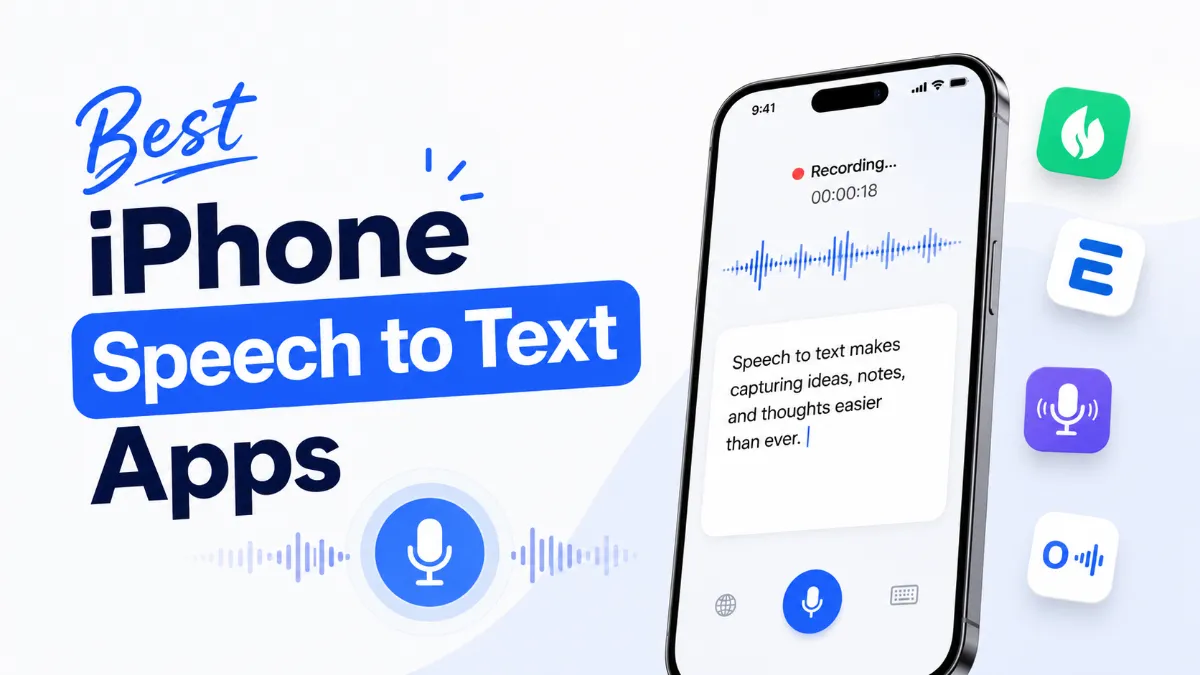
Best iPhone Speech to Text Apps in 2026: Tested by Use Case
iPhone has solid built-in STT through Dictation and Siri, but the best speech to text app for iPhone depends on what you’re actually doing — quick notes, meeting transcription, long-form dictation, or professional audio work all call for different tools.