If you have ever stopped mid-sentence to wonder how a word is actually pronounced, you are not alone. That moment happens to language learners, professionals, students, and even native speakers dealing with unfamiliar names, technical vocabulary, or words they have only ever seen in writing.
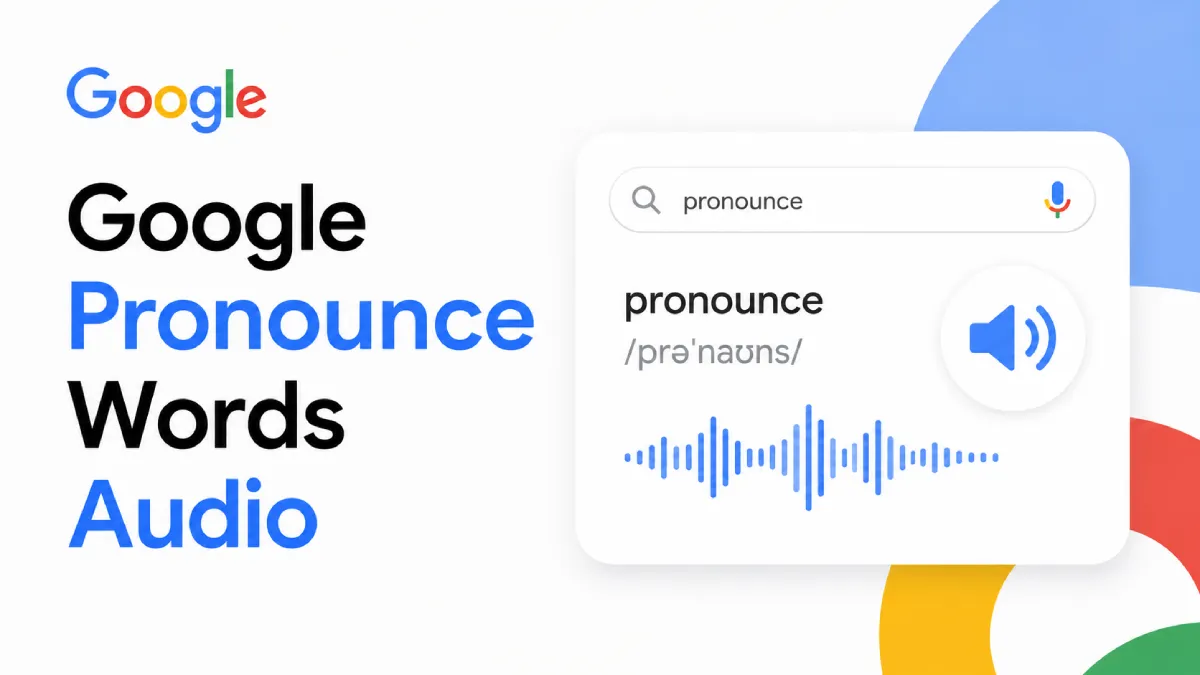
That is exactly why searches like google pronounce words audio are so common. People are not looking for a theoretical explanation. They want a fast and reliable way to hear a word spoken aloud, compare what they thought it sounded like, and move on with more confidence.
In practice, “Google pronounce words audio” usually refers to Google-powered ways of hearing a word spoken aloud. That may happen through Google Search, Google Translate, voice search results, or pronunciation playback built into Google’s language tools.
The appeal is obvious:
it is fast,
easy to access,
often free,
useful for quick pronunciation checks.
For many users, it is the first stop when they need to hear how a word sounds in English or another language.
Most people searching for word pronunciation do not want a full language lesson. They want an immediate answer.
A user sees a new word, types it into Google, and listens to the audio to confirm pronunciation.
Learners often use pronunciation audio to compare spoken forms with spelling, especially in languages where sound and spelling do not always match.
People also use pronunciation audio for brand names, academic terms, medical vocabulary, and unfamiliar proper nouns.
Some learners want to hear whether a word sounds different in American English and British English or across other language contexts.
Google’s pronunciation-related tools are useful because they reduce friction. You do not need to open a specialized dictionary every time you want to hear a word.
For single-word or short-phrase checks, the convenience is hard to beat.
Google tools can help across many languages, which is useful for multilingual learners.
If the goal is to check a common word quickly, the tool is often more than enough.
Being able to replay the audio immediately helps users compare sounds and repeat after the model.
This is the part that matters for real learners. Hearing a word once is helpful, but it is not the same as building pronunciation skill.
Many pronunciation checks are isolated from sentence context. A learner may hear the word, but not how it behaves naturally inside connected speech.
Hearing pronunciation and actually internalizing it are two different things. Most learners need repetition, context, and extended listening practice.
A pronunciation button may solve a momentary question, but it does not help much with longer reading passages, articles, study notes, or mixed-format materials.
Many learners jump between search, translation pages, notes, screenshots, and documents. That fragmented process makes consistent practice harder.
The most effective pronunciation improvement usually comes from combining quick lookup with broader listening habits.
Use Google or similar tools when you need immediate confirmation of how a word sounds.
Words are easier to remember when you hear them in context, not only in isolation.
Saying the word aloud after listening helps connect sound, memory, and muscle control.
Extended listening builds rhythm, stress awareness, and natural sound patterns in ways single-word tools cannot.
Google is good at answering “How do I say this word?” But learners often need help with bigger questions too:
How does this word sound in full sentences?
How do I review pronunciation while reading?
How do I practice with my own materials?
How do I listen to PDFs, webpages, screenshots, or study notes?
That is where a broader audio reading tool becomes useful.
AI Listen Audio Reader works well for users who want more than one-word pronunciation playback. It supports text-to-speech across PDFs, Word files, TXT, EPUB, webpages, and image scans, which makes it easier to practice pronunciation and listening using real reading material instead of isolated search results.
This is especially useful for learners who save vocabulary lists, language articles, study sheets, screenshots, or ebooks and want to hear them read aloud in a smoother workflow.
Hearing connected text helps learners notice stress, rhythm, and sentence flow rather than only isolated pronunciation.
Instead of relying only on search results, users can listen to the actual documents and content they are already studying.
Language learning material is often spread across webpages, PDFs, notes, scans, and ebooks. AI Listen Audio Reader helps bring that material into one listening-friendly workflow.
If vocabulary or study material lives inside an image, OCR helps make it readable and playable as speech.
Following the text while hearing it aloud helps many learners connect spelling with pronunciation more effectively.
Slower playback can make difficult sounds easier to notice and repeat accurately.
For learners building pronunciation over time rather than only checking one word at a time, AI Listen Audio Reader becomes a practical complement to Google’s faster lookup tools.
Hearing a word once is rarely enough. Repetition matters.
Words become easier to remember and reproduce when learned inside sentences and longer passages.
Seeing the text while hearing it helps many learners map sound to spelling more accurately.
Passive listening helps, but active repetition is what starts to shape speaking confidence.
A little daily listening often does more than occasional pronunciation lookups.
Google pronounce words audio is a useful shortcut when you need to hear a word quickly. It works well for fast confirmation, everyday vocabulary checks, and simple pronunciation questions.
But most learners eventually need more than a pronunciation button. They need repeated listening, sentence-level context, and a way to hear real study material across different formats. That is where AI Listen Audio Reader fits naturally: not as a replacement for quick Google lookups, but as a more flexible tool for building lasting listening and pronunciation habits.