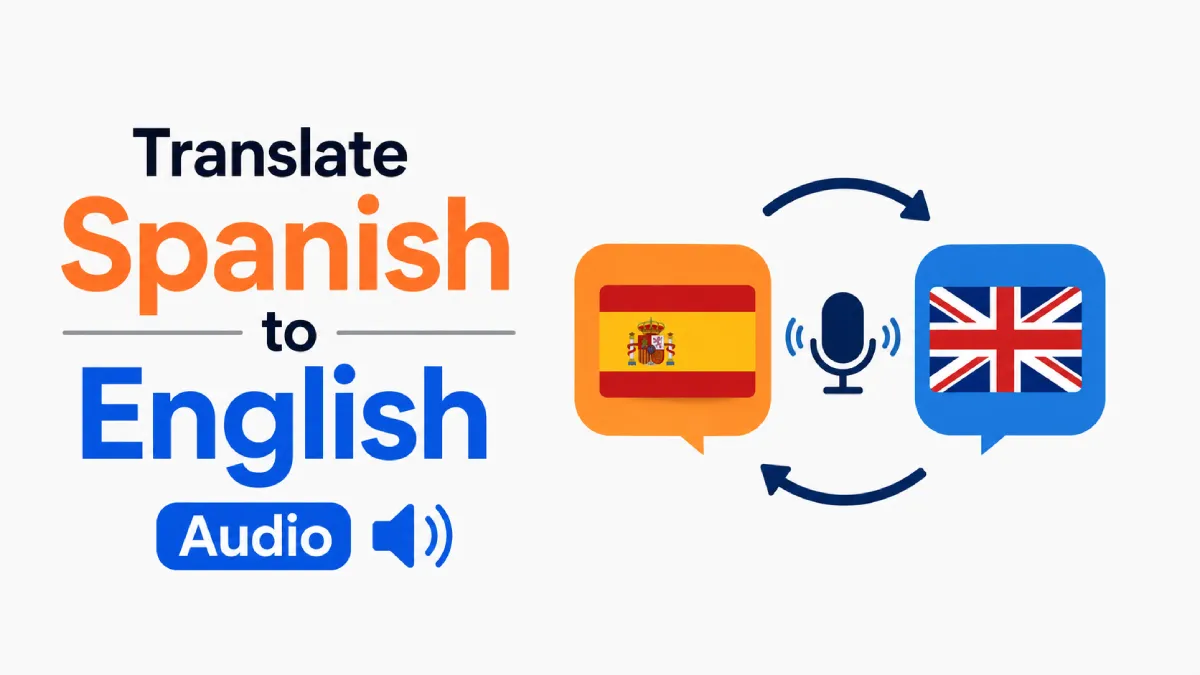
Translating spoken Spanish into clear English is no longer a niche task. People do it every day for WhatsApp voice messages, recorded meetings, interviews, classes, podcasts, and short-form video. But the hard part is not finding a tool that can “translate audio.” The hard part is choosing a workflow that matches the audio quality, your speed requirements, and how accurate the final English needs to be.
If you want to translate Spanish to English audio well, you usually need to solve three separate problems: speech recognition, translation quality, and output format. Some tools are fast but weak with noisy audio. Others produce better text but are clumsy for long recordings. The best choice depends on whether you are studying, working, creating content, or just trying to understand one urgent message.
This guide explains what “translate Spanish to English audio” really involves, when different workflows work best, and how to avoid the most common mistakes.
Many searchers use this phrase to describe slightly different needs. Knowing which one applies to you makes tool selection much easier.
In practice, people usually want one of these results:
A Spanish audio file turned into English text
Spanish speech transcribed first, then translated into English
Spanish audio converted into English subtitles for video
A spoken English version generated from the translated text
These are related tasks, but they are not identical. A tool that is good at live caption translation may not be the best option for a 45-minute interview. A subtitle workflow for creators is also different from a quick voice-note translation workflow.
Before software can translate spoken Spanish, it usually has to detect the words correctly. That means accent variation, background noise, overlapping speakers, and recording quality directly affect the English result.
This is why users often think the “translation” is bad when the real problem started one step earlier. If the transcript is wrong, the English version will also drift.
The same keyword serves several very different user intents. Here is a more practical breakdown.
This is the most common casual use case. You receive a Spanish voice note from a friend, family member, customer, or seller and need the English meaning quickly. In this case, speed matters more than perfect formatting, and a clean transcript plus readable English is usually enough.
This use case needs more reliability. Business conversations often include names, product terms, numbers, and decisions. A rough machine translation may be enough for internal review, but if the recording affects reporting, hiring, compliance, or client communication, you need better verification.
Creators often need to translate Spanish to English audio for clips, podcasts, lessons, webinars, or YouTube content. Here, the output is not just for understanding. It has to be publishable, subtitle-friendly, and easy to edit.
Learners often want to compare Spanish audio with English meaning to improve comprehension. This is different from professional translation because the goal is not just the final answer. The goal is understanding how the original speech maps to translated meaning.
Instead of asking for the single “best” tool, it is more useful to choose the right workflow for the source material.
If the audio is under a few minutes and the speaker is clear, a simple workflow works well:
Upload or play the Spanish audio
Generate a transcript
Translate the transcript into English
Review names, dates, and domain-specific terms
This is usually the fastest option for voice notes, short videos, and simple explanations.
Longer audio creates a different problem. Even if automatic translation is decent, reviewing and fixing it becomes slow if you cannot easily jump through the recording. For long audio, choose tools that make it easy to:
replay specific segments,
follow sentence-by-sentence structure,
compare transcript and audio,
and export or reuse the output.
That is where listening-focused apps can be more practical than generic translators.
If people interrupt each other, speak quickly, or use regional vocabulary, translation quality can collapse fast. In those cases, your best workflow is usually:
get the cleanest transcript possible,
correct obvious recognition errors,
then translate into English.
That extra step is worth it when the audio contains decisions, instructions, or content you plan to publish.
Most people compare tools by feature lists. That is not the most useful lens. A better way is to compare them by failure points.
Ask these five questions before choosing a tool:
Clear one-speaker audio is easy for many tools. Messy field recordings, calls, and videos require stronger transcription handling.
If you only need the gist, fast translation is enough. If you need polished English, subtitles, or notes you can reuse, editing matters much more.
For a single voice note, convenience wins. For daily lessons, multilingual content review, or repeated client recordings, the better choice is a tool you can comfortably use every day.
Some users only need readable English text. Others want to listen back in English, compare versions, or build a study workflow around audio.
If a mistranslated phrase only changes the tone of a casual chat, that is manageable. If it changes a meeting decision or legal meaning, you need stronger review before trusting the output.
A good tool for this task should ideally help with several of the following:
reliable Spanish speech recognition,
support for long audio files,
easy replay of specific sections,
readable English output,
subtitle or note-friendly export,
clear handling of names and terminology,
and a workflow that fits your actual use case.
If a tool only translates text well but makes audio review painful, it may still be the wrong choice for this keyword.
There is no single winner for every use case. The right option depends on the balance between speed, listening, editing, and output quality.
Best for: users who want English text from relatively clean audio
These tools usually work well when the main goal is comprehension. You upload audio, get a transcript, and convert it into English. Their strength is convenience. Their weakness is that they often feel rigid when you need to inspect difficult moments closely.
Where they perform well:
short recordings,
lecture clips,
interviews with clear speech,
and simple work notes.
Where they fall short:
heavy background noise,
dense multi-speaker audio,
and cases where you need a smooth listening-and-review loop.
Best for: creators translating Spanish video content for English-speaking audiences
These workflows are stronger when timing matters. If your output needs subtitles, captions, or edited video assets, choose a toolchain designed for segment-level editing instead of plain text translation.
Where they perform well:
YouTube clips,
online courses,
social video,
and podcast video repurposing.
Where they fall short:
quick personal voice notes,
audio-only review,
and users who do not need timeline-based editing.
Best for: learners, knowledge workers, and users who spend time understanding audio instead of just converting it once
This category is often overlooked. If your main friction is following spoken content, replaying sections, and turning audio into something easier to absorb, a listening-focused app may be more useful than a pure translator.
AI Listen fits naturally here. It is especially relevant for users who regularly work through spoken material and want a cleaner path from audio to understanding. Instead of treating audio as a one-click conversion task, it supports a more practical listening workflow for people consuming lessons, recordings, or spoken content over time.
Where this approach performs well:
study and comprehension,
repeated listening,
long-form spoken content,
and users who want more control over how they process audio.
Where it may be less ideal:
urgent live interpretation,
highly specialized certified translation needs,
or fully production-grade subtitle finishing on its own.
Readers often get generic advice like “use AI translation.” That misses the real tradeoffs that affect results.
A tool may return English in seconds, but that does not mean the result is ready to trust. Quick output is helpful for basic understanding, but if the audio includes numbers, commitments, or technical detail, review time matters more than raw speed.
One-step workflows feel easier, especially for beginners. But when meaning matters, transcript-first workflows usually give you better control because you can inspect where the system may have misunderstood the Spanish before those errors become English.
If the translation is going into subtitles, training material, or public-facing content, “basically correct” is not enough. You need tone consistency, cleaner phrasing, and a way to catch awkward literal translations.
Even strong tools benefit from a better input and review process.
If you can choose between a forwarded voice note, a compressed screen recording, and the original recording, start with the original. Cleaner source audio usually improves both recognition and translation more than switching between similar tools.
Brand names, places, and personal names are common failure points. Review them manually, especially in business, education, and interview audio.
A 60-minute file is harder to review than six 10-minute segments. Smaller sections also make it easier to compare the original Spanish and the English result without losing context.
If your goal is understanding, speed and readability matter most. If your goal is reuse, publishing, or documentation, choose a workflow with better editing and verification support.
Use a simple transcript-plus-translation tool for short voice notes and everyday recordings. The main priority is fast comprehension, not deep editing.
Use a listening-first workflow that lets you revisit difficult sections and connect speech to meaning. This is where AI Listen can be a practical fit, especially if you are using audio as part of regular learning rather than one-off translation.
Choose a subtitle-oriented workflow if the final output will appear in video. Timing, segmentation, and editability matter more than plain text alone.
Use a transcript-first process with manual review for meetings, interviews, and client recordings. This reduces the risk of trusting a polished-looking English output that started from a flawed transcript.
If you are not sure which route to take, start with this simple rule:
For short and simple audio, use the fastest workflow that gives you readable English.
For long or important audio, choose the workflow that makes review easiest.
For recurring listening and comprehension, use a tool that is built around audio consumption, not just conversion.
That last point matters more than many users realize. If you regularly handle lessons, spoken notes, or recorded content, a product like AI Listen can be more sustainable than bouncing between disconnected tools. It fits users who want to understand audio better, not just translate it once and move on.
To translate Spanish to English audio well, you need more than a translation button. You need the right workflow for the audio type, a realistic view of where errors happen, and a tool that matches your end goal.
For quick voice notes, a lightweight transcript-to-translation flow is usually enough. For long recordings, learning, or repeated audio review, a listening-first approach can be the smarter choice. If you want a more manageable way to work through spoken content, try a workflow that lets you listen, review, and understand the material with less friction.