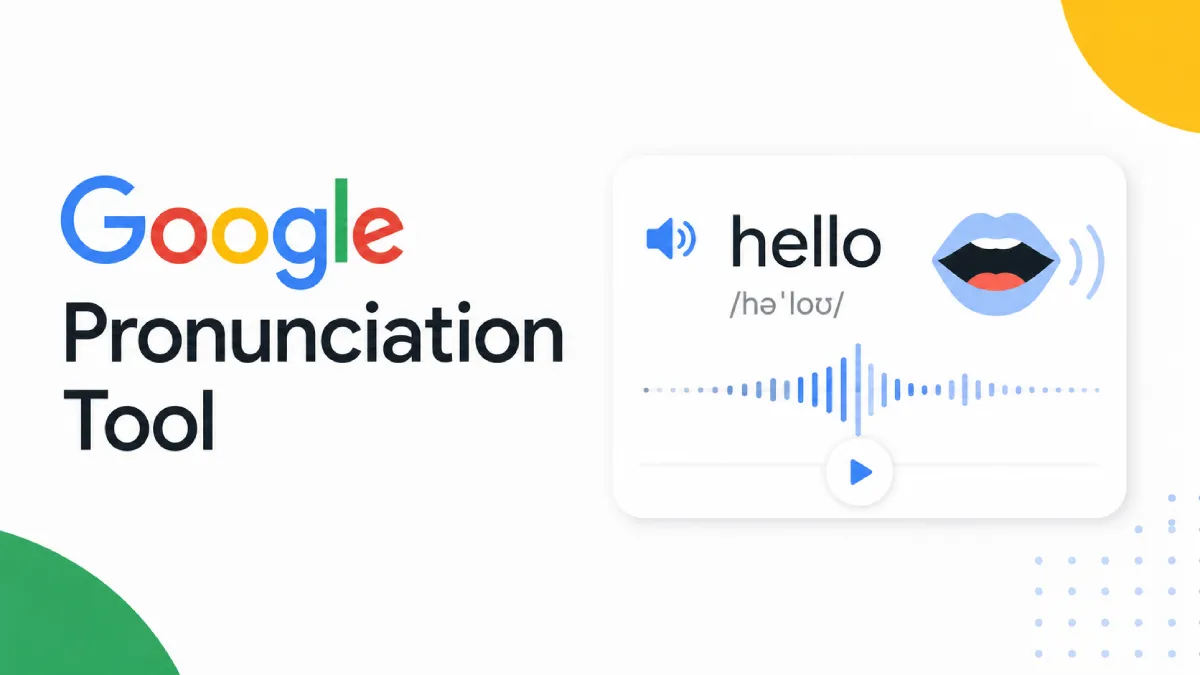
When people search for a Google pronunciation tool, they are usually trying to solve one of three problems: hear how a word is pronounced, check whether they are saying it correctly, or learn pronunciation more efficiently while reading. Those are related needs, but they are not identical. And that is exactly why many users end up dissatisfied after trying the first result they find.
Some tools are great for hearing a single word. Others are better for repeated listening, accent comparison, or integrating pronunciation support into a larger reading or language-learning workflow. So the real question is not whether a Google pronunciation tool exists. It is what kind of pronunciation problem you are trying to solve.
The phrase “Google pronunciation tool” is often used loosely. Different users may be referring to different Google-powered experiences.
Sometimes users simply want to type a word into Google and hear it pronounced. This is fast, convenient, and useful for checking a single unfamiliar word.
In other cases, users rely on Google Translate or similar interfaces to hear how a word or short phrase sounds. This works well for quick reference, especially for common words and major languages.
Some users want more than passive listening. They want to compare their own pronunciation against a model or get feedback while practicing. That is a different use case and often requires more than a basic playback feature.
Google-based pronunciation tools remain popular because they reduce friction. For many everyday needs, that simplicity is the main advantage.
If you encounter an unfamiliar word while reading, a quick Google pronunciation lookup is often the fastest way to hear it. There is very little setup, and the result is immediate.
For widely used languages and common vocabulary, playback is usually good enough for reference use. That is especially helpful for students, travelers, and casual learners who want a fast answer rather than a full training environment.
These tools are effective when you want to confirm what a word sounds like. They are less effective when you want to build pronunciation habits, compare repeated examples, or improve spoken output over time.
This is the part most search results gloss over. A pronunciation tool can be convenient and still be limited.
Hearing one word once is not the same as mastering rhythm, stress, connected speech, or sentence-level pronunciation. If your goal is fluent speaking or listening confidence, quick lookup tools only cover part of the job.
Words can sound different depending on sentence context, speaking style, and regional variation. A tool that only gives one isolated playback may help with recognition, but it does not always prepare you for real listening conditions.
Pronunciation improvement usually requires repetition. Many quick tools are not designed for structured practice, repeated playback, or integrating pronunciation review into your normal content consumption.
Because these tools are so easy to use, users sometimes stop at “I heard it once” and assume they know it. In reality, pronunciation learning often takes multiple exposures across listening, reading, and speaking.
The best choice depends on your use case, not on the brand name.
If you occasionally need to confirm how a word sounds, Google-style pronunciation tools are often enough. This is especially true for common vocabulary and low-stakes reading situations.
If you are learning a language and want repeated exposure to how words sound in actual content, you may need something broader than a lookup tool. In that case, tools that support ongoing listening become more useful.
If your goal is to improve your own pronunciation, you should look for practice workflows that involve repetition, comparison, and feedback. A quick playback tool helps at the start, but it usually will not carry the whole process.
If you often encounter unfamiliar words while reading articles, essays, or study materials, the better solution may be one that helps you keep listening in context instead of stopping every time for a separate lookup.
A lot of users compare pronunciation tools as if they all do the same job. They do not. A better lens is this:
These tools are ideal when you need speed and low friction. They work well for single words, short phrases, and quick pronunciation checks.
If your goal is retention, comprehension, or familiarity with natural phrasing, you need a system that lets you hear language continuously, not just one word at a time.
When you want to improve how you speak, you need features that support imitation, repetition, and speaking feedback. Playback alone is only a starting point.
AI Listen is not just a single-word pronunciation checker, and that is precisely where it can be useful. For users who learn through reading and repeated listening, it fits into a broader pronunciation-support workflow by turning written content into audio that can be replayed more naturally on iPhone.
That matters when the problem is not “How do I pronounce this one word?” but “How do I become more familiar with pronunciation across the content I already read?” For learners who build intuition through repeated listening, article-based exposure can sometimes be more effective than isolated lookups alone.
So if you use a Google pronunciation tool for spot checks, AI Listen can complement that habit by supporting longer-form listening and repeated exposure to real text. It is a different layer of the same problem.
Use this checklist to decide what kind of pronunciation tool you actually need:
Do you need help with one word or with ongoing pronunciation improvement?
Are you trying to hear pronunciation, practice speaking, or improve listening familiarity?
Do you work mostly with isolated vocabulary or longer reading content?
Is convenience more important than depth for your current goal?
Will you benefit more from quick lookup or repeated audio exposure?
If your need is occasional and immediate, a Google pronunciation tool may be enough. If your need is ongoing and content-based, you probably need something that fits a larger learning workflow.
A Google pronunciation tool is useful because it is fast, accessible, and good at solving immediate pronunciation questions. But it is not the whole answer for every learner or every use case.
If you only need quick confirmation, that may be all you need. If you want repeated exposure, smoother reading-based learning, or a broader audio habit on iPhone, it makes sense to add a tool like AI Listen to the mix.