

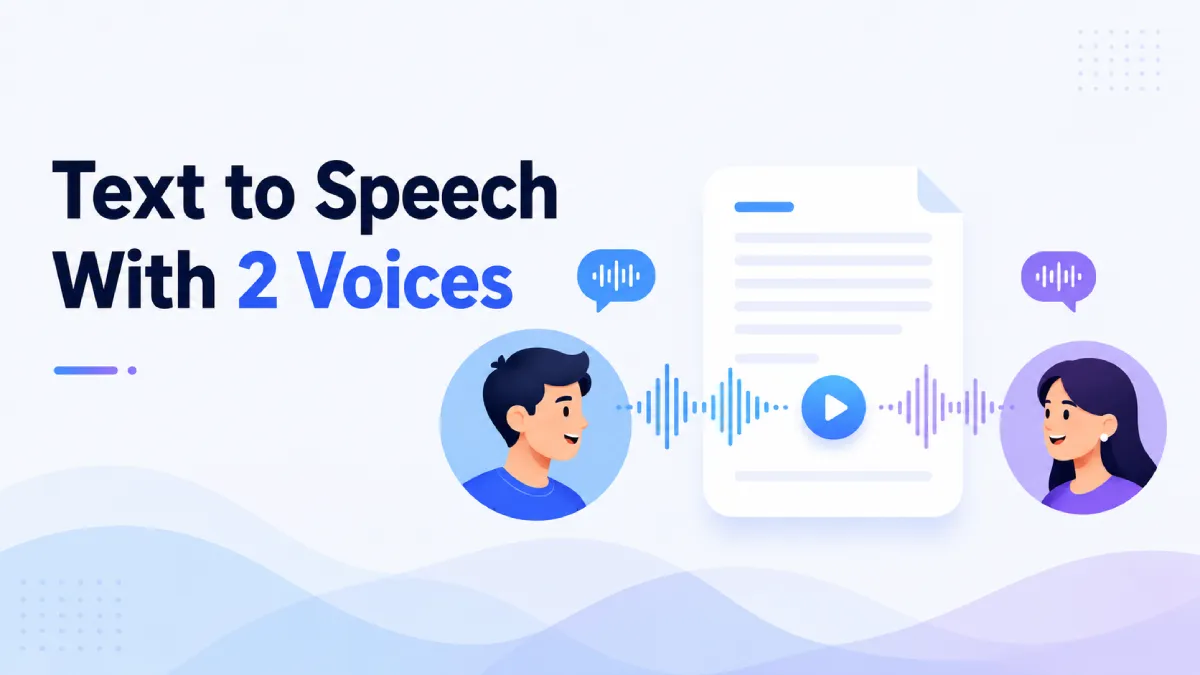
Text to speech with 2 voices solves a different problem than standard single-voice narration. It is not just about variety. It is about making audio easier to follow when the content includes dialogue, role shifts, interviews, multi-speaker scripts, or sections that benefit from clearer separation.
That distinction matters because many people search for a two-voice text to speech tool expecting a more engaging listening experience, but what they actually need is better structure in audio. A second voice can improve attention, comprehension, pacing, and character differentiation—but only if it matches the content type and is implemented well.
In most cases, text to speech with 2 voices refers to an AI or TTS workflow where two distinct synthetic voices are assigned to different parts of a script. That can mean alternating lines in a conversation, separating narrator and quoted speech, or simulating a dialogue between speakers.
A second voice is not valuable just because it sounds dynamic. It matters when it helps the listener track turns, follow context, or stay engaged through longer content.
Dual-voice audio is strongest when the content has defined speaker boundaries. Scripts, educational dialogues, roleplay content, interview formats, and conversational explainers all benefit more than standard articles or reports.
Not every piece of content needs more than one voice. The format shines in specific situations.
Conversations, story scenes, customer service scripts, and interview transcripts are easier to follow when listeners can hear who is speaking without relying on constant labels.
Two voices can make example conversations more realistic and easier to remember. For language learners, separating speakers helps with listening practice and turn-based comprehension.
Writers, creators, and producers often need to hear how a script sounds before recording real talent. A two-voice setup can reveal pacing problems, unnatural exchanges, or dialogue that feels too similar between characters.
Podcasts, explainers, and branded audio sometimes benefit from voice contrast because it reduces monotony. But this only works when the second voice adds clarity rather than distraction.
Many tools can technically assign two voices. Fewer make the result genuinely useful.
The two voices should be clearly different, but not so different that the audio feels inconsistent or theatrical in the wrong way. Contrast should support the content, not overpower it.
A good workflow makes it easy to assign voice A and voice B reliably. If switching speakers requires too much manual formatting, the time savings of TTS start to disappear.
Dialogue needs more than separate voices. It needs pauses, timing, and transitions that sound believable enough for the listener to follow. Without that, the output can feel mechanical even when the voices themselves sound polished.
Some dual-voice demos sound exciting for 30 seconds but become tiring over longer sessions. Test beyond the sample. If the back-and-forth becomes distracting, the format may be wrong for the material.
This is where most articles stay too vague. A second voice is not always an upgrade.
interview-style content
scripted conversations
educational dialogue
storytelling with multiple speakers
quoted sections that need separation
In these formats, two voices often reduce confusion and improve attention.
straightforward articles with one clear narrator
technical documents with no speaker shifts
dense informational content where consistency matters more than variation
long reading sessions where voice switching interrupts focus
In these cases, a strong single voice may outperform a dual-voice setup.
If you are unsure whether you need text to speech with 2 voices, use this framework.
If the listener needs to track who is speaking, dual-voice output usually helps. This is especially true in dialogue and interview formats.
For articles, essays, reports, and focused reading, a single voice is often better because it creates a smoother listening experience.
When the goal is to hear how a conversation lands, two voices give much better diagnostic value than one voice reading every line in the same tone.
If the content is about transferring information efficiently rather than performing speaker shifts, clarity and comfort usually matter more than variation.
AI Listen is most relevant when the goal is practical audio consumption rather than studio-style production. For users who want to turn written content into a smooth listening workflow on iPhone, a single strong reading experience often matters more than adding extra voices for effect.
That said, the search for text to speech with 2 voices often reveals a broader need: people want audio that is easier to follow and less monotonous. In many everyday reading scenarios—articles, notes, saved content, study materials—that problem is often solved better by cleaner listening flow than by multiple speakers. That is where AI Listen fits naturally.
If your use case is script testing or dialogue production, a dedicated dual-voice setup may be the better tool. If your use case is daily reading and listening on mobile, AI Listen is a more practical fit for turning written content into usable audio.

Use this checklist when comparing text to speech with 2 voices options:
Does your content actually include meaningful speaker changes?
Do two voices improve clarity, or just add novelty?
Can you assign speakers without too much manual setup?
Is the pacing between turns natural enough to follow?
Will listeners hear short clips, or long-form content?
Are you creating production audio, or just making content easier to consume?
If you answer the last question honestly, the right tool becomes much clearer.
Text to speech with 2 voices can be genuinely useful when the content depends on dialogue, turn-taking, or speaker contrast. In those cases, it improves clarity and makes audio more engaging. But for many everyday reading workflows, a better single-voice listening experience is still the stronger choice.
Choose dual-voice TTS when the structure of the content demands it. If your goal is smoother mobile listening for articles, notes, and other written content, AI Listen is a practical alternative to include in your workflow.

![GoAnimate (Vyond) Text to Speech: Complete Guide + Best Alternatives [2026]](https://v.aivoicelab.com/b1265344voduse1318177724/4c48016b5001834806033798579/qJrAff3z3FIA.webp)
