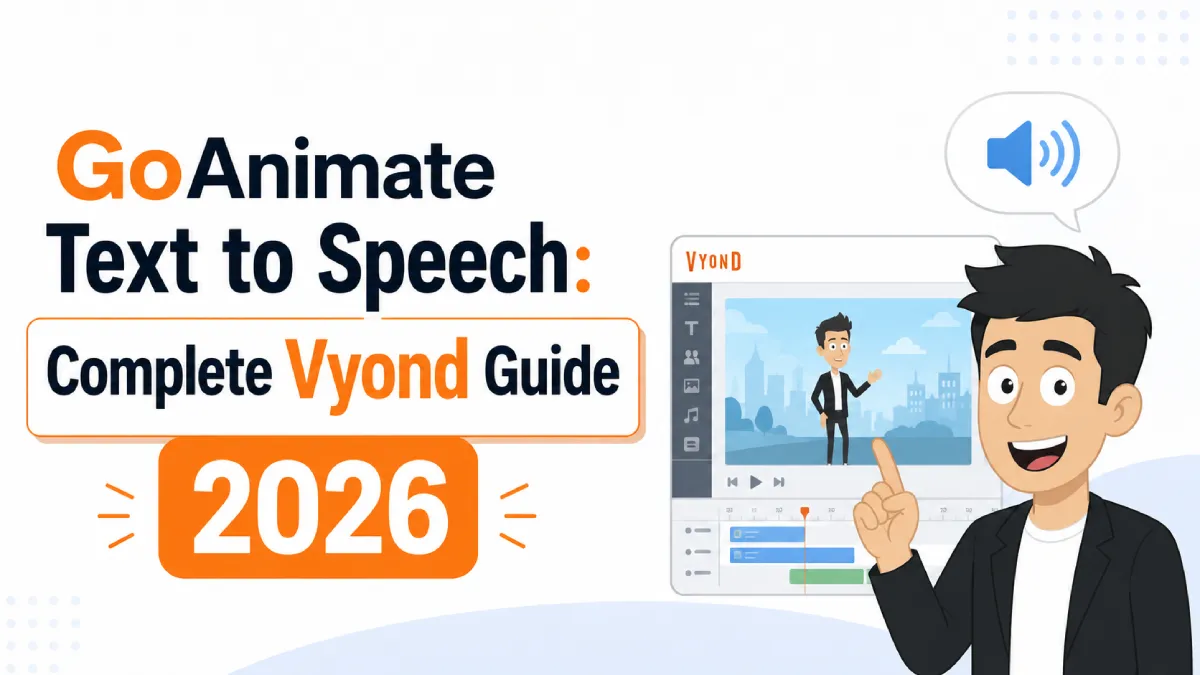
If you've been searching for GoAnimate text to speech, you're looking for a feature that still exists — just under a different name. GoAnimate rebranded to Vyond in 2018, and its animated video platform continues to include a built-in TTS engine. The core questions users ask haven't changed: how do you use it, how natural does it sound, and is there something better available?
This guide answers all three.
GoAnimate was a cloud-based animated video creation tool that allowed users to create character-based animations with automatically generated voiceovers. In 2018, the company rebranded as Vyond and shifted focus toward business and corporate training video production.
The text to speech feature works the same way it always did: you type a script, choose a voice and language, and Vyond's TTS engine generates the audio automatically. The voiceover is then synced to your animated characters and scenes.
Vyond's TTS is powered by Amazon Polly, which offers both standard voices (older synthesized quality) and neural voices (noticeably more natural, using deep learning). Neural voices are available on most Vyond plans and represent a meaningful quality improvement over the platform's earlier TTS.
Open your project in the Vyond editor
Select a character or scene where you want to add a voiceover
In the Properties panel, click the Voice tab
Select Text to Speech as the audio source
Type or paste your script into the text field
Choose your language, voice, and speech rate
Click Preview to hear the output before applying
Click Apply to sync the voiceover to your scene
The TTS syncs automatically with character mouth movements in Vyond's lip-sync system, which is one of its more useful features — changes to the script update the animation timing without manual adjustment.
Vyond currently offers voices across 50+ languages through Amazon Polly, including:
English — US, UK, Australian, Indian, and Welsh accents
Spanish — Castilian, US, and Latin American variants
French — standard and Canadian French
German, Italian, Portuguese, Japanese, Korean, Chinese (Mandarin)
Neural voices available for most major languages
Neural vs Standard voices: The difference in quality is significant. Neural voices (labeled "Neural" in the dropdown) produce smoother prosody, more natural pausing, and better handling of punctuation. Standard voices have a more robotic quality that becomes obvious on longer scripts. Where available, neural voices are worth using.
Voice gender and age: Vyond offers male and female voice options for most languages. Some languages include child voices, though quality varies considerably across them.
The honest answer: it's functional, not impressive.
For short corporate training videos where the audience expects a professional but not highly polished delivery, Vyond TTS is adequate. The neural voices handle common business vocabulary reasonably well, and the automatic lip-sync integration saves real time compared to recording custom audio.
Where it struggles:
Emotional range: All neural TTS engines, including Vyond's, produce flat delivery on content that requires warmth, excitement, or urgency. Marketing videos and storytelling content tend to sound lifeless.
Technical vocabulary: Industry-specific terms, product names, and unusual proper nouns are frequently mispronounced or stressed incorrectly.
Long-form scripts: Quality degrades noticeably on scripts over 2–3 minutes. Pacing becomes mechanical and the listener fatigue from synthetic speech accumulates.
Non-English accuracy: English neural voices are the strongest. Other languages vary — some are near-natural, others retain a clearly synthetic quality.
For internal training, onboarding, or compliance videos where naturalness matters less than information delivery, Vyond TTS is a reasonable default. For external-facing marketing, sales enablement, or customer-facing content, the quality gap compared to purpose-built TTS tools is audible.
Vyond does not offer a free plan. Pricing tiers as of 2026:
Essential (~$49/month): Includes TTS with standard and neural voices, limited template access
Professional (~$89/month): Full template library, more customization options, still includes TTS
Enterprise: Custom pricing, additional collaboration and admin features
The free trial includes access to TTS features but exported videos include a Vyond watermark. TTS itself is available on all paid plans.
One practical consideration: Vyond's pricing is primarily justified by its animation and production tools. If you only need TTS audio for videos you edit externally, a standalone TTS tool is significantly cheaper and produces better audio quality.
If Vyond's TTS quality isn't meeting your needs, these tools produce noticeably better results:
ElevenLabs — currently the highest-quality AI TTS available. Produces near-human delivery with accurate emotional range and natural pacing. Pricing starts free with limited minutes. Best for: external marketing videos, audiobooks, content where voice quality is a differentiator.
Murf AI — studio-quality TTS with pitch and emphasis controls. Designed specifically for video voiceovers and presentations. Includes a library of 120+ voices across 20+ languages. Best for: corporate videos, e-learning, explainer content.
AI Listen — converts written text to natural-sounding audio, useful when you need to generate spoken versions of scripts or documents before recording final voiceover. Best for: script review, content repurposing, quick audio generation.
Google Cloud TTS — the same Amazon Polly-quality neural voices available through Vyond, accessible directly via API with more voice configuration options and lower per-character pricing for high-volume use. Best for: developers and teams with technical resources who want to generate voiceovers programmatically.
Descript — combines TTS with full audio/video editing. Useful if you're editing the final video outside of Vyond and want a tightly integrated voice-editing workflow. Best for: podcast producers and video editors who want voice generation within their editing tool.
GoAnimate text to speech is now Vyond TTS — functional, integrated with animation sync, and powered by Amazon Polly neural voices that are adequate for internal business video production. For external-facing or quality-sensitive content, tools like ElevenLabs or Murf produce meaningfully better results.
The clearest use case for staying with Vyond TTS: you're already using Vyond for animation, the lip-sync integration saves production time, and your audience won't penalize slightly synthetic-sounding delivery. The clearest case for switching: your video's persuasiveness or emotional impact depends on how natural the voice sounds.