How Does Text to Speech Work? The Technology Behind AI Voice
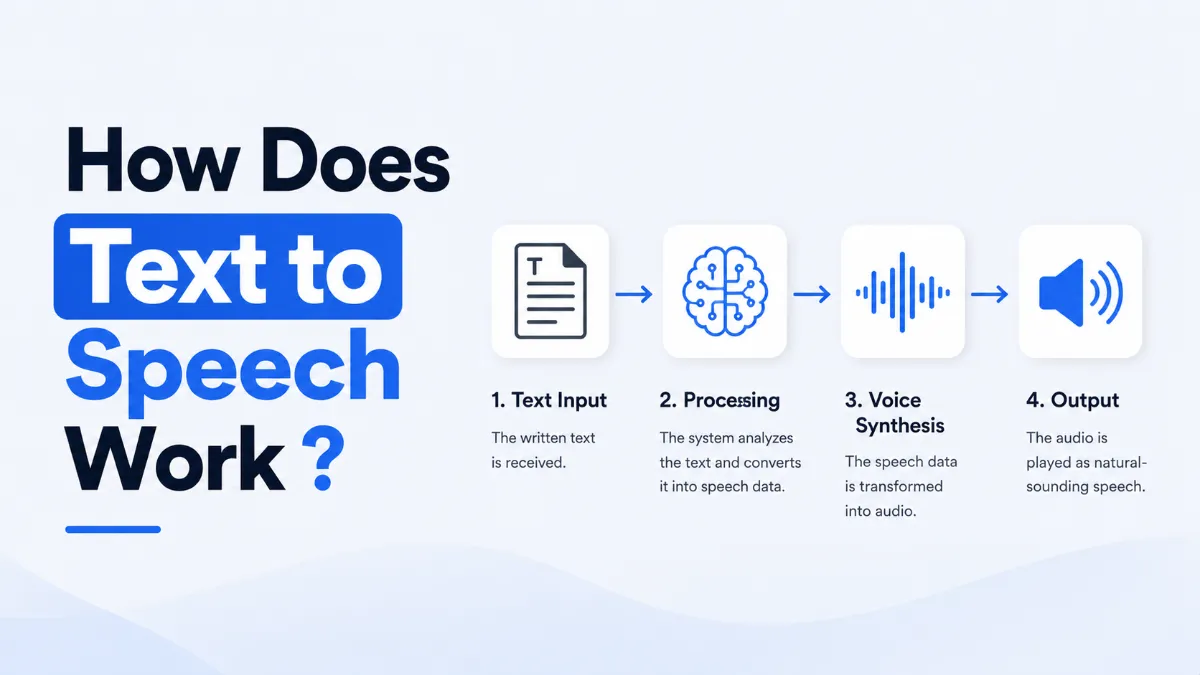
Modern text to speech sounds human because it uses neural networks trained on real speech. Here's what actually happens when a TTS system converts text to audio — step by step.
Julian Sterling
AI Content Strategist
July 9, 2026
8 min read
In This Article
The Two Core Stages of Text to Speech
Stage 1: How TTS Reads and Understands Text
Stage 2: Speech Synthesis — Old vs. New
How Voice Cloning Works
SSML: Fine-Tuning TTS Output
Where TTS Is Used Today
Top TTS Engines Compared
Limitations of Current TTS
Twenty years ago, text to speech was the robotic voice reading error messages on phone systems. Today, the same technology can produce audio that's nearly indistinguishable from a human speaker. The underlying approach changed fundamentally — from concatenating recorded audio clips to generating waveforms with neural networks.
Understanding how TTS actually works helps explain both why modern tools sound so good and where their limitations come from.
The Two Core Stages of Text to Speech
Every TTS system — regardless of how sophisticated — processes text in two stages:
Stage 1: Text Analysis (Natural Language Processing)
The system reads the input text and figures out how it should be spoken. This isn't just pronunciation — it's understanding sentence structure, context, and meaning.
Stage 2: Speech Synthesis
The system converts the linguistic analysis into an audio waveform — the actual sound you hear.
The quality gap between old and new TTS comes almost entirely from improvements in Stage 2. Text analysis was reasonably good even in early systems; generating natural-sounding audio is where the real breakthrough happened.
Quick Tip: Neural TTS systems (like those used by ElevenLabs, Google, and AI Listen) produce voice from learned speech patterns rather than recorded audio. This is why they can generate any text in any voice — there's no pre-recorded library to limit them.
Stage 1: How TTS Reads and Understands Text
Before any audio is generated, the TTS system must analyze the input text. This involves several layers:
Tokenization: Breaking the text into words, punctuation, and special elements.
Text normalization: Converting non-standard tokens into speakable forms. "Dr." becomes "Doctor," "$45.99" becomes "forty-five dollars and ninety-nine cents," "2026" becomes "two thousand twenty-six." This is more complex than it sounds — "St." could be "Saint" or "Street" depending on context.
Grapheme-to-phoneme (G2P) conversion: Converting written words to phonemes — the basic units of sound. "Read" could be pronounced differently depending on context ("I read the book" vs. "I will read the book"), and good G2P systems handle these ambiguities.
Prosody prediction: Determining how the sentence should sound — which words should be stressed, where pitch rises and falls, how fast each section should be spoken. This is where the difference between natural and robotic output often shows. A statement ends differently from a question; an excited sentence sounds different from a calm one.
All of this happens before a single audio sample is generated.
Stage 2: Speech Synthesis — Old vs. New
This is where TTS technology changed most dramatically.
Concatenative TTS (Older Systems)
Early TTS systems recorded human speakers saying every possible sound unit — phonemes, diphones (pairs of sounds), or full words — and stored them in a database. When generating speech, the system selected and stitched together the right recorded clips.
Result: Speech that technically sounds like a real person but has audible seams, inconsistent pacing, and unnatural intonation. The system can only produce sounds it has in its database.
Why it sounds robotic: Intonation is predetermined and can't adapt dynamically. The prosody (natural rise and fall of speech) was either baked into recordings or generated by rigid rules.
Statistical Parametric TTS (Mid-Generation)
Rather than stitching recordings, these systems used statistical models (typically Hidden Markov Models) to predict the shape of the audio waveform from linguistic features. The audio was then synthesized using a vocoder.
Result: More flexible than concatenative — it could generate any voice characteristics — but often had a "buzzy," processed quality. Acoustic modeling improved accuracy but introduced artifacts.
Neural TTS (Modern Systems)
Modern TTS uses deep neural networks — specifically architectures developed between 2016 and 2024 — to generate speech that is qualitatively different from predecessors.
Key systems in this evolution:
WaveNet(Google, 2016): Generated audio waveforms sample-by-sample using a convolutional neural network. First system to produce clearly human-quality speech.
Tacotron(Google, 2017): Mapped linguistic features directly to spectrograms, which a vocoder then converted to audio. Significantly improved naturalness.
FastSpeech / FastSpeech 2: Parallel synthesis (faster than real-time generation) with explicit duration and pitch control.
VITS / VITS2: End-to-end architecture that generates audio directly from text in a single model pass. Produces highly natural prosody and voice quality.
Diffusion-based models: More recent approach that generates audio through a controlled noise-reduction process, capable of very high fidelity output.
Why neural TTS sounds human: These systems learn from vast amounts of real human speech — sometimes thousands of hours — and develop their own internal representation of how language sounds. They don't stitch recordings or apply rules; they predict what the next audio sample should sound like given everything that came before, similar to how a language model predicts the next word.
How Voice Cloning Works
Voice cloning extends neural TTS by training a model to reproduce a specific person's voice characteristics rather than generating a general AI voice.
The process:
Audio collection: Record 30 seconds to several minutes of the target speaker
Speaker encoding: A neural network analyzes the recordings and extracts a speaker embedding — a numerical representation of that voice's characteristics (pitch range, speaking style, resonance, accent markers)
Conditioned synthesis: The TTS model is conditioned on this embedding when generating new text, so it produces audio that matches the original speaker's vocal characteristics
Tools likeElevenLabs,Microsoft Azure Neural TTS, and similar services offer voice cloning. The output is not a recording of the person saying those words — it's a generated prediction of what that person would sound like saying them.
This creates both powerful capabilities (audiobooks in the author's voice, accessibility tools for people who have lost their voice) and serious ethical considerations around consent and misuse.
SSML: Fine-Tuning TTS Output
Most professional TTS systems support SSML (Speech Synthesis Markup Language), a standard for controlling how text is spoken. With SSML, developers and content creators can specify:
Pronunciation:computerforces a specific pronunciation
Speed:text hereslows down a section
Pitch:textraises pitch by 5 semitones
Pauses:inserts a 500-millisecond pause
Emphasis:important wordstresses a word
SSML is used extensively in audiobook production, IVR systems, and production content where output quality must be controlled precisely.
Where TTS Is Used Today
Text to speech is embedded across far more systems than most people realize:
Accessibility: Screen readers for the visually impaired (NVDA, VoiceOver, TalkBack)
Voice assistants: Siri, Google Assistant, Alexa — all use neural TTS for responses
Navigation: Turn-by-turn directions in mapping apps
Audiobook production: AI-narrated books, particularly in languages where professional narrators are scarce
E-learning: Course narration without recording studios
Content readers: Apps likeAI Listenuse neural TTS to let users listen to articles and web content naturally
IVR systems: Automated phone systems (though high-quality neural TTS is replacing older concatenative systems here)
Real-time translation: Combined with translation models for cross-language communication
Top TTS Engines Compared
Neural TTS is now offered by most major cloud providers and specialized services. Voice quality, pricing, and feature sets vary meaningfully — here is how the main options compare.
Despite rapid progress, TTS still has meaningful limitations:
Prosody in unusual contexts: TTS generally handles standard speech well but can struggle with poetry, unusual sentence structures, or content requiring genuine emotional performance.
Specialized vocabulary: Medical terms, technical jargon, and proper nouns from less common languages are often mispronounced without explicit pronunciation correction.
Long-context consistency: In very long audio generation, voice characteristics can drift or inconsistencies can appear, especially at section boundaries.
Laughter, sighs, breathing: Paralinguistic sounds are difficult to generate naturally. Most TTS systems handle standard speech well but lack the full range of human vocal expression.
Detection: High-quality neural TTS can be detected as AI-generated by specialized classifiers. As generation quality improves, detection becomes harder — an active area of research for both sides.
The trajectory is clear: neural TTS continues to improve, and the gap between AI speech and human speech narrows with each generation of models. Understanding the technology helps calibrate what current tools can and can't do — and where the next improvements are likely to come.
For users who want to experience high-quality neural TTS output directly — without building a pipeline or running models locally —AI Listenis the most direct option.
Text to speech works in two stages: text analysis (parsing the input to understand words, sentence structure, and pronunciation) and speech synthesis (converting that analysis into an audio waveform). Modern neural TTS systems use deep learning models trained on hours of recorded human speech to generate audio that mimics human vocal patterns.
Why does AI text to speech sound more human now?
Older TTS systems concatenated pre-recorded phonemes (small speech units) or used statistical models that had audible seams and unnatural intonation. Modern neural TTS — based on architectures like Tacotron, WaveNet, and VITS — generates waveforms directly from text using neural networks trained on real speech, producing much more natural prosody and intonation.
What is the difference between text to speech and voice cloning?
Standard TTS generates speech in a fixed synthetic or semi-real voice. Voice cloning TTS (used by tools like ElevenLabs) trains a neural model on a specific person's recorded speech, then generates new text in that person's voice. Voice cloning requires training data (usually 30 seconds to a few minutes of audio) but can replicate voice characteristics including accent, tone, and speaking style.
What languages does text to speech support?
Major TTS providers (Google, Microsoft Azure, Amazon Polly, ElevenLabs) support 30–100+ languages depending on the service. Support varies: some languages have many voice options and neural quality synthesis; others have only one or two voices with lower quality. Neural TTS quality is generally highest for English, followed by widely-spoken European and Asian languages.
How accurate is text to speech for technical content?
TTS accuracy for specialized content (medical terms, abbreviations, technical jargon) depends heavily on the system's pronunciation dictionary and whether it has domain-specific training. Most systems handle common abbreviations and acronyms reasonably well but may mispronounce niche terminology. High-quality tools allow pronunciation customization (SSML phoneme tags) to correct specific words. For general content reading — articles and web pages — AI Listen handles common vocabulary accurately without any additional configuration.
TTS
AI Tools
Share this article:
Table of Contents
The Two Core Stages of Text to Speech
Stage 1: How TTS Reads and Understands Text
Stage 2: Speech Synthesis — Old vs. New
How Voice Cloning Works
SSML: Fine-Tuning TTS Output
Where TTS Is Used Today
Top TTS Engines Compared
Limitations of Current TTS
Ready to Transform Your Study Sessions?
Join 50,000+ students using AI Listen to study smarter. Free forever plan available.
AI story generators turn prompts into structured drafts for fiction, marketing, and education. In this guide, we cover how AI story generators work, their core features, benefits, limitations, and how to choose the right AI Story Generator.
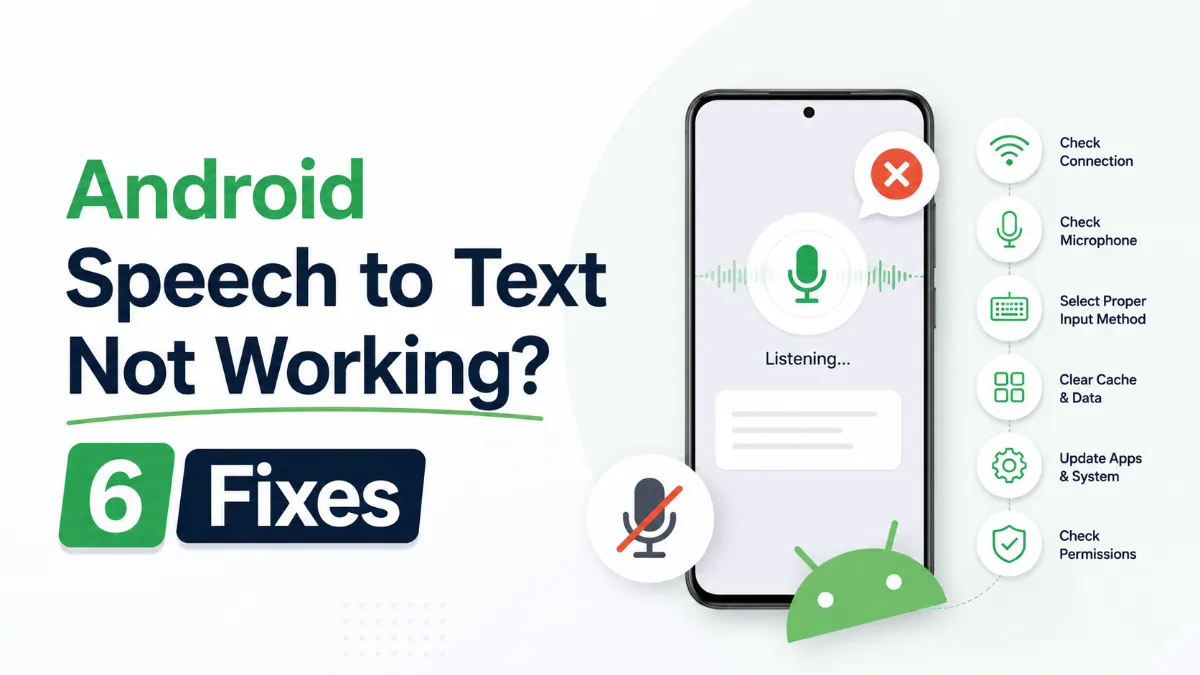
Android speech to text failures usually trace back to a small set of causes: permissions, cache buildup, language mismatches, or internet dependency. Here are six fixes that cover the most common cases, in order of effort.
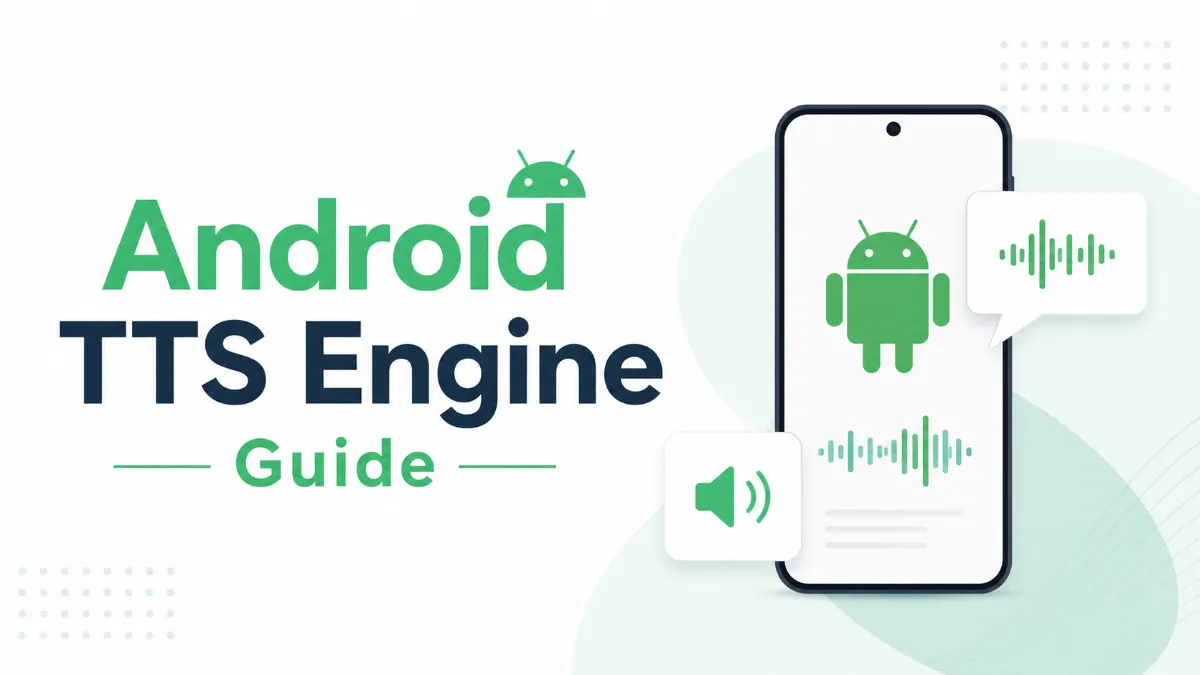
The Android text to speech engine is the system-level layer that converts text to audio for all apps on your phone. Most users never change it — but knowing how to switch engines, download better voices, and configure it correctly can significantly improve TTS quality.
Android’s text to speech tools range from a built-in accessibility engine to dedicated apps designed for longer listening sessions. This guide covers how to use each, and which option fits your workflow.
Assistive technology for dyslexia is more than a list of apps. This guide explains which tools matter most, who they help, and how to choose support that improves reading and learning in practice.