Photo text to speech solves a very specific problem: the words you need are trapped inside an image. That image might be a screenshot, scanned page, classroom handout, menu, social post, presentation slide, or a photo you took on the go. In all of those cases, standard text to speech cannot help until the text is first recognized.
That is why a good photo text to speech workflow is really a combination of two functions: extracting text from an image and then turning that text into clear audio. If either part is weak, the experience falls apart. Good voice quality means little if the OCR misses half the sentence, and perfect text recognition is less useful if the listening experience is awkward or tiring.
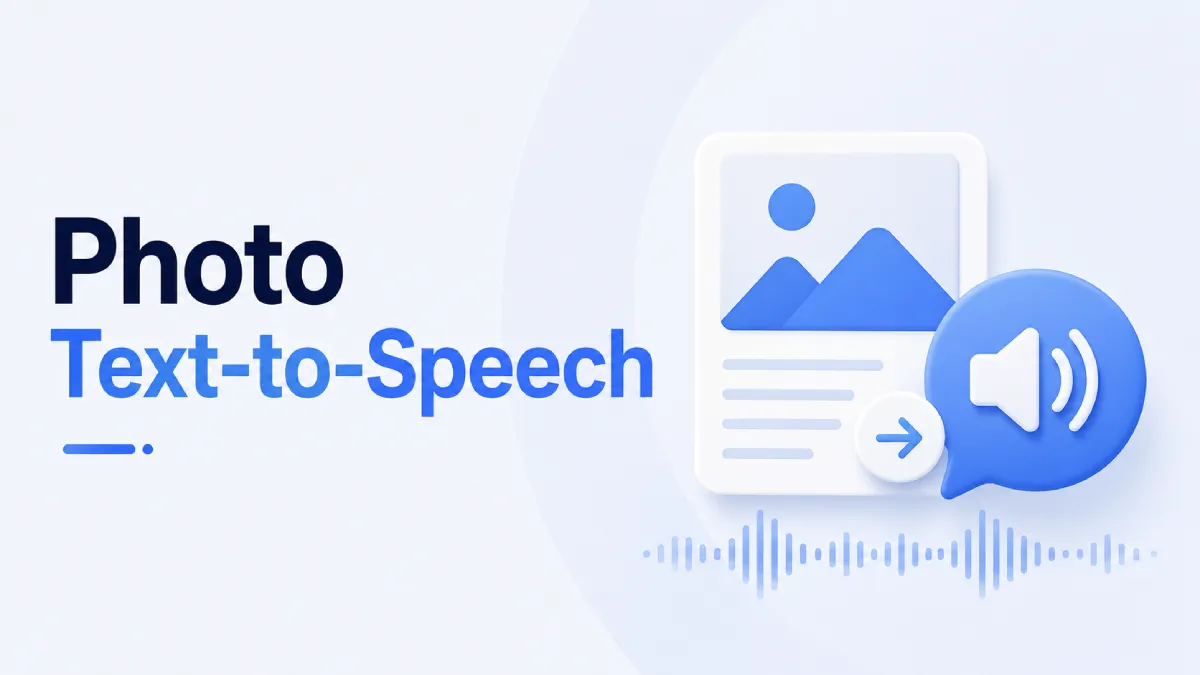
Photo text to speech usually refers to a tool that can detect written text inside an image and read it aloud. In practice, that usually involves OCR, or optical character recognition, followed by text to speech playback.
Regular text to speech starts with selectable text. Photo text to speech starts with non-selectable text embedded in an image. That difference matters because image quality, lighting, formatting, handwriting, and screen clutter all affect how well the tool works.
Some AI tools describe what is in a photo. That is not the same as reading the actual text shown in the image. If your goal is to hear exact words from a screenshot, poster, PDF scan, or photographed document, you need text extraction accuracy, not a general visual summary.
The best use cases are the ones where reading directly is slow, uncomfortable, or impossible.
A lot of useful content now lives in screenshots: threads, receipts, study notes, app screens, or highlighted passages. Photo text to speech helps when you want to turn those fragments into something you can listen to instead of repeatedly zooming in and reading on screen.
Scanned pages and phone photos of documents are common in school and work. If the scan is reasonably clean, photo text to speech can help users review the content while moving, multitasking, or reducing screen fatigue.
For users with visual strain or reading difficulty, photo text to speech can turn static visual content into something more accessible. The key here is not novelty but independence: being able to capture text from the environment and hear it read back.
Learners often save vocabulary, signs, textbook excerpts, or example sentences as images. A good workflow lets them extract the text and then listen to it, which is much more efficient than retyping everything manually.
Many tools sound good in theory. Fewer hold up in real use. If you are comparing options, these are the decision points that matter most.
A real-world tool should handle more than a perfectly cropped black-and-white document. Test it with:
screenshots with mixed formatting
photos taken at slight angles
dense paragraphs
smaller font sizes
text over colored backgrounds
If the OCR fails under normal conditions, the entire workflow becomes unreliable.
Some tools can detect text but make the listening stage clumsy. You may end up copying, cleaning, and pasting manually before playback. A better tool reduces the number of steps between capturing the image and hearing the content clearly.
Short snippets are easy. The real question is whether the tool works for longer materials such as photographed pages, article screenshots, or multi-section documents. If the text breaks apart or loses structure, listening becomes harder than reading.
Photo text to speech is often a mobile-first need. People use it when they are away from a desk, moving between tasks, or saving content from their phone. That means the mobile workflow matters as much as the raw technology.
A useful guide should also be honest about where photo text to speech struggles.
Blurry photos, glare, shadows, and skewed angles can reduce OCR accuracy sharply. This is not always a tool failure. Sometimes the input quality is the main constraint.
Columns, annotations, overlapping elements, and decorative typography can make text recognition less reliable. A screenshot from a social app may look readable to a human but still produce messy extraction.
Some tools can process handwriting, but the results are much less predictable than printed text. If your workflow depends on handwritten notes, test that specifically rather than assuming support.
A tool may technically read detected text but do a poor job with order, pauses, or paragraph flow. That matters a lot for comprehension.
Instead of asking which tool is best in the abstract, ask which workflow matches your use case.
If you only need to hear a short screenshot or sign once, speed matters most. You want a tool that extracts text fast with minimal cleanup.
If you often save pages, screenshots, or photographed reading materials, choose a solution that supports longer-form listening and low-friction organization. That workflow matters more than demo-level OCR performance.
Prioritize consistency, clear output, and ease of use over flashy features. The best tool here is the one that reliably reduces effort day after day.
Look for a workflow that can move from capture to review without forcing repetitive manual steps. If you are handling study notes, slides, or scanned references, organization and playback control become critical.
AI Listen makes sense when your end goal is not just extracting text from an image, but actually listening to that content in a usable way on iPhone. For users who regularly turn saved reading into audio, it fits naturally into the second half of the workflow: converting captured text into a more practical listening experience.
That is especially relevant for people who collect screenshots, save visual reading materials, or want to reduce time spent staring at dense content on a phone. In those cases, the listening layer matters as much as the OCR step. If you are comparing solutions, AI Listen is worth considering for the part of the workflow that turns recovered text into something easier to consume throughout the day.

Use this checklist to compare photo text to speech options more effectively:
Can it accurately read the kinds of images you actually use?
Does it handle screenshots and photographed documents equally well?
How much cleanup is needed before playback?
Is the audio comfortable for more than a few minutes?
Does the mobile workflow feel fast enough for everyday use?
Will it help with your real scenario: accessibility, studying, work review, or casual reading?
If a tool only works in perfect test conditions, it will probably disappoint in daily use.
Photo text to speech is most valuable when it removes friction between captured text and actual understanding. The strongest tools do not just detect words in an image. They help you turn visual content into a listening workflow that saves time, reduces strain, or makes information easier to access.
If you are evaluating options, test them with your real images instead of ideal samples. And if your focus is mobile listening after text extraction, AI Listen is a practical tool to include in that workflow.