David covers AI voice model evaluations, TTS benchmark analysis, and competitive landscape updates across the AI audio space. His editorial focus is on helping readers compare platforms, understand technical trade-offs, and track meaningful improvements in voice AI quality.
TTS
AI Trends 2026
Alternative To
AI Listen
AI Tools
View All Articles
4
Updates This Week
Timely coverage of voice AI
19
Covered Topics
Across voice, TTS, and tools
3.2k
Monthly Readers
Trusted by active readers
18
Published Posts
Across voice, TTS, and tools
Expertise & Topics
David covers the research and evaluation side of AI voice — from TTS benchmarks and voice model comparisons to competitive landscape analysis and trend reporting across the AI audio space.
TTS
AI Listen
AI Translate
AI Tools
Tutorials
Real-time Translation
Tips & Tricks
AI Trends
Alternative To
About David K. Nguyen
David K. Nguyen is a senior research editor at AI Listen, specializing in AI voice model evaluation, TTS platform benchmarking, and competitive analysis. He translates technical performance data and product updates into clear editorial context for teams comparing tools or tracking progress in the AI audio market.
Within the AI Listen editorial workflow, David collaborates with product editors and content strategists to ensure research coverage stays grounded, current, and actionable. This page serves as his author profile and a curated index of his published research and analysis across the AI Listen blog.
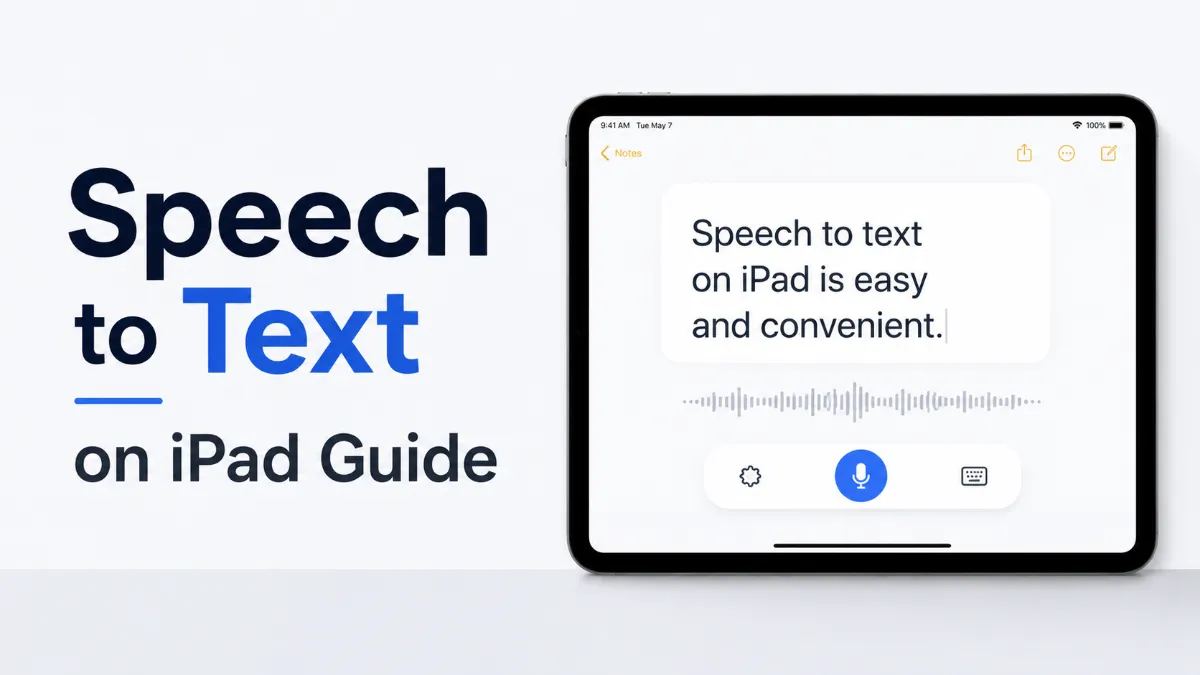
iPad speech to text is built into the keyboard as Dictation. Tap the microphone icon to start speaking — your words appear as text instantly. Here's how to enable it and use it well.
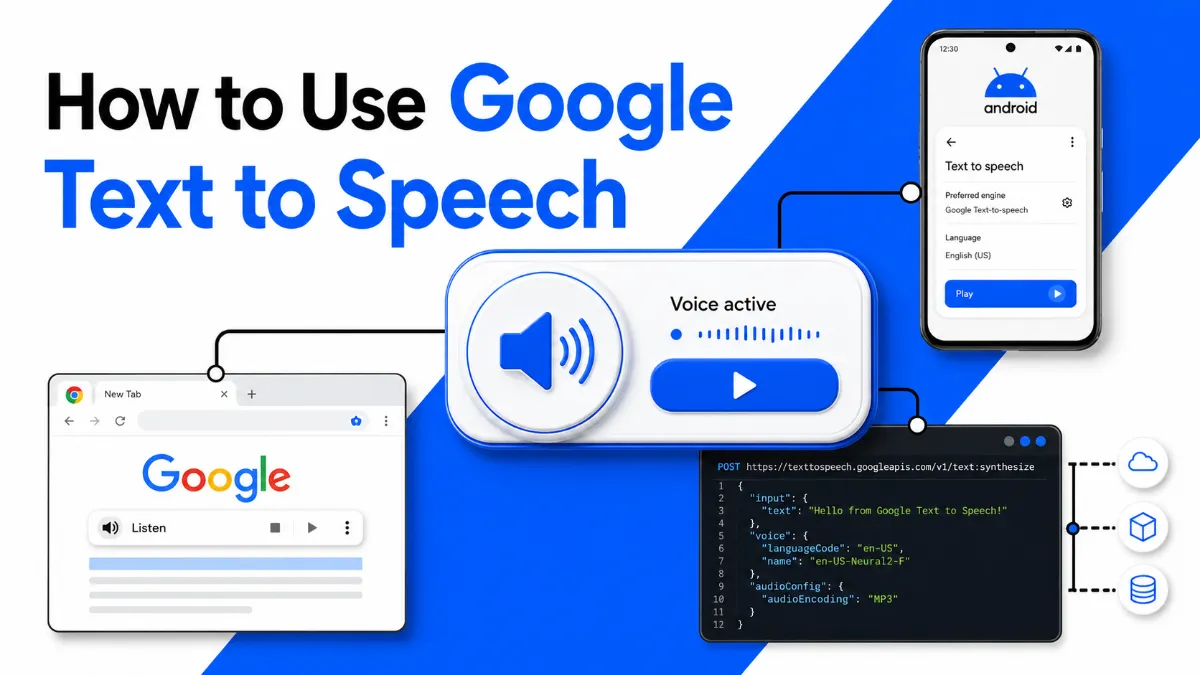
Google offers text-to-speech in four different ways — Android system settings, Chrome extensions, the Cloud TTS API, and AI Studio. This guide walks through each path and helps you pick the right one.
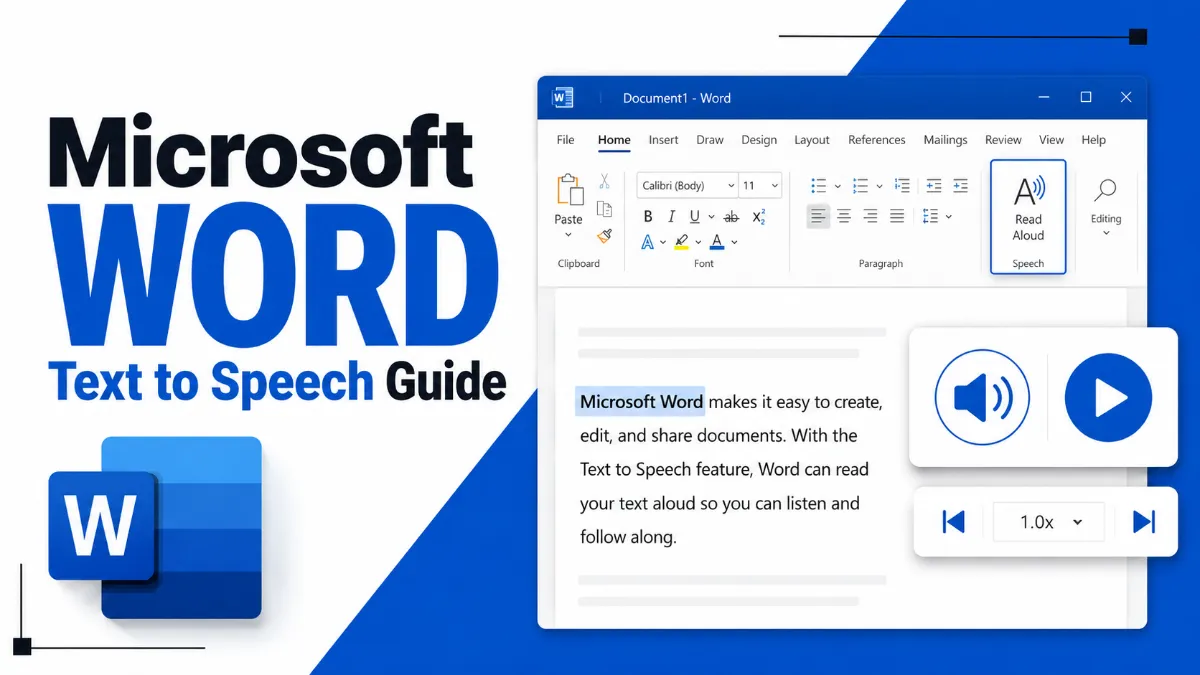
Microsoft Word has built-in text-to-speech features, but they work differently depending on your version. This guide covers Read Aloud in Microsoft 365, the Speak command in Word 2016/2019, keyboard shortcuts, and what Word's TTS can and cannot do.
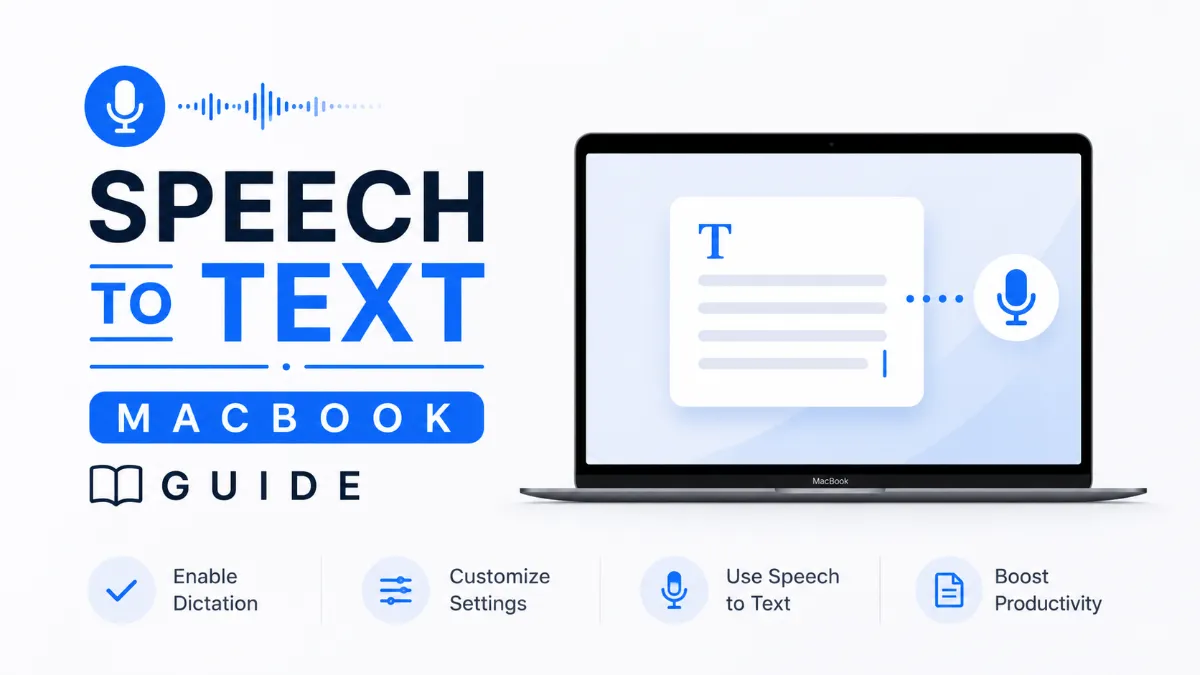
MacBook has strong built-in speech to text tools, but knowing which one to use — Dictation, Voice Control, or a third-party app — depends on what you're trying to do. This guide covers all three options and helps you choose the right one.
Microsoft Word has a built-in Dictate feature, but it only works with a Microsoft 365 subscription. If you're on a standalone version, there's a free alternative that works just as well. Here's everything you need to know about speech to text in Word.
Text to speech is built into nearly every device you already own — but the right option depends on what you're trying to do. This guide covers how to enable and use TTS on Windows, Mac, iPhone, and Android, plus how to choose the right tool for your specific use case.
Chromebook offers three distinct text to speech tools: ChromeVox for full screen reading, Select-to-Speak for on-demand listening, and a range of Chrome extensions for more control. Here’s how each works and when to use which.
The Android text to speech engine is the system-level layer that converts text to audio for all apps on your phone. Most users never change it — but knowing how to switch engines, download better voices, and configure it correctly can significantly improve TTS quality.
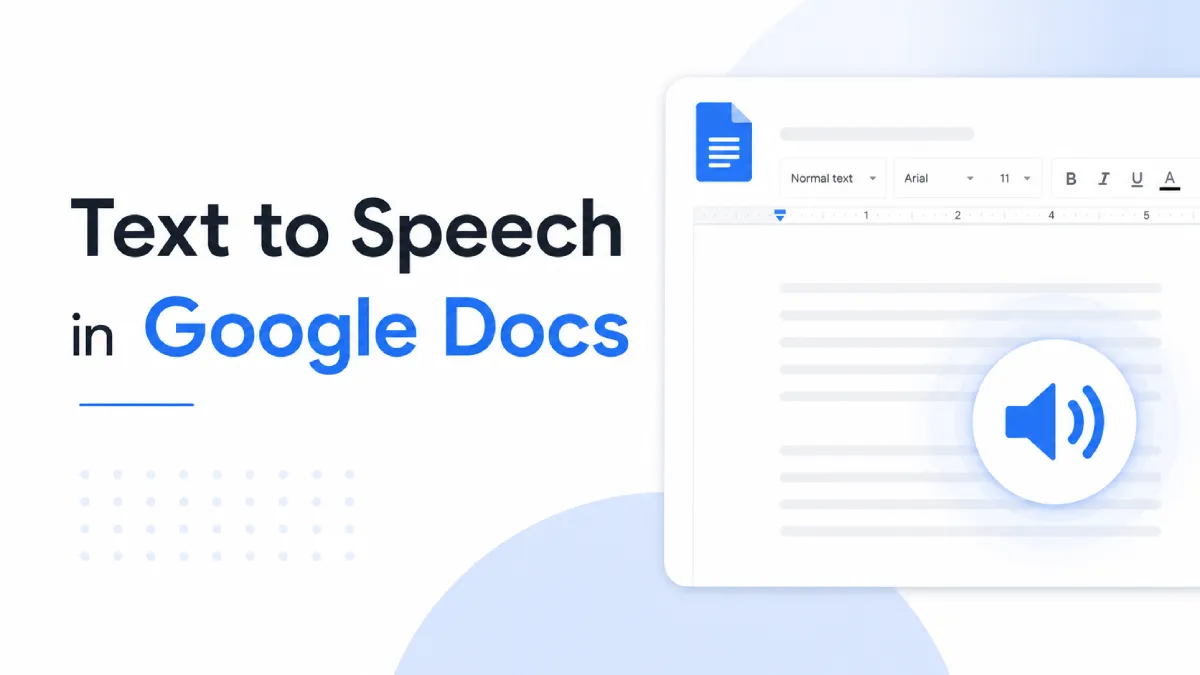
Google Docs doesn't have a traditional text-to-speech button, but there are three working methods to make it read text aloud — on desktop, Chromebook, and mobile. This guide covers each one clearly, including which Chrome extensions are actually worth installing.
Want a PDF reader aloud solution that actually works without robotic glitching? This 2026 guide breaks down how to read PDFs aloud across all devices, tackle multi-column layouts, and find the best text-to-speech apps.
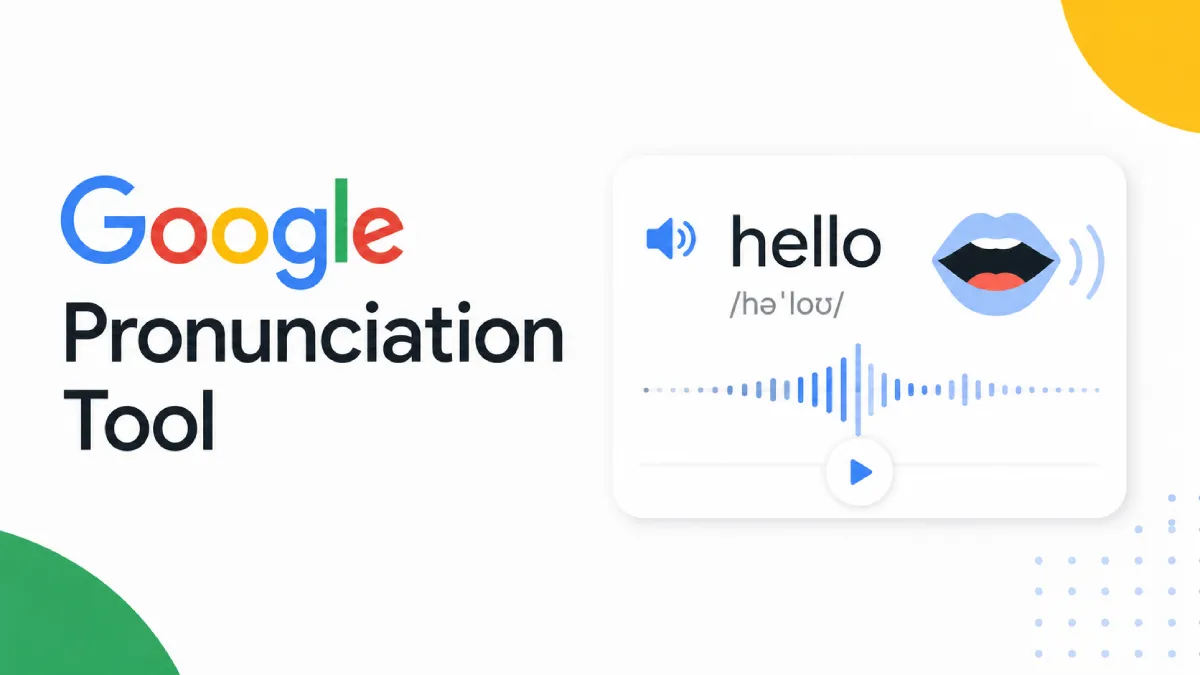
Looking for a Google pronunciation tool? This guide explains what these tools do well, where they are limited, and how to choose the right pronunciation workflow.
A good text to speech test is not just about voice quality. This guide shows what to listen for, how to compare tools, and which features matter for real-world use.
A PDF audio reader should do more than read text aloud. The right tool should fit your documents, your listening habits, and the way you actually work.
Need to turn text in images into audio? This guide explains how photo text to speech works, where it performs well, and how to choose the right workflow for real use.
The best historical fiction books do more than recreate the past. They combine strong storytelling, emotional depth, and historical texture to make another era feel immediate and alive.
A PDF reader is a tool that opens and displays PDF files, but modern readers can also search, annotate, sign, and support more accessible ways to work through documents.
AI Listen articles are reviewed through a collaborative editorial process. Research editors, product editors, and content editors work together to verify context, clarify product implications, and maintain a consistent standard for timely, trustworthy coverage of AI Voice, TTS, translation, and audio-first tools.
Editorial Team
Continue Exploring the AI Listen Blog
Read more editorial coverage on AI Voice, Text-to-Speech, AI translation, tutorials, tool comparisons, and audio-first product trends. Continue from this author profile into related articles, topic hubs, and the AI Listen blog archive.