Chloe covers AI translation, real-time interpretation, and multilingual audio publishing across the AI Listen blog. Her work helps readers understand how AI is reshaping cross-language communication, content localization, and multilingual listening experiences.
AI Translate
Real-time Translation
AI Listen
TTS
Tutorials
View All Articles
4
Updates This Week
Timely coverage of voice AI
19
Covered Topics
Across voice, TTS, and tools
4.1k
Monthly Readers
Trusted by active readers
12
Published Posts
Across voice, TTS, and tools
Expertise & Topics
Chloe covers the intersection of AI translation, real-time interpretation, and multilingual audio publishing — tracking how AI is reshaping cross-language communication and multilingual content distribution.
TTS
AI Listen
AI Translate
AI Tools
Tutorials
Real-time Translation
Tips & Tricks
AI Trends
Alternative To
About Chloe Whittaker
Chloe Whittaker is a senior AI translation and localization editor at AI Listen, covering real-time translation tools, interpretation platforms, and the evolving multilingual audio landscape. She tracks improvements in naturalness, latency, and language coverage across leading AI translation systems, producing editorial analysis for teams evaluating cross-language audio solutions.
Within the AI Listen editorial team, Chloe works alongside product editors and research contributors to keep multilingual coverage accurate, current, and practically relevant. This page is her author profile and a curated index of her translation and localization coverage.
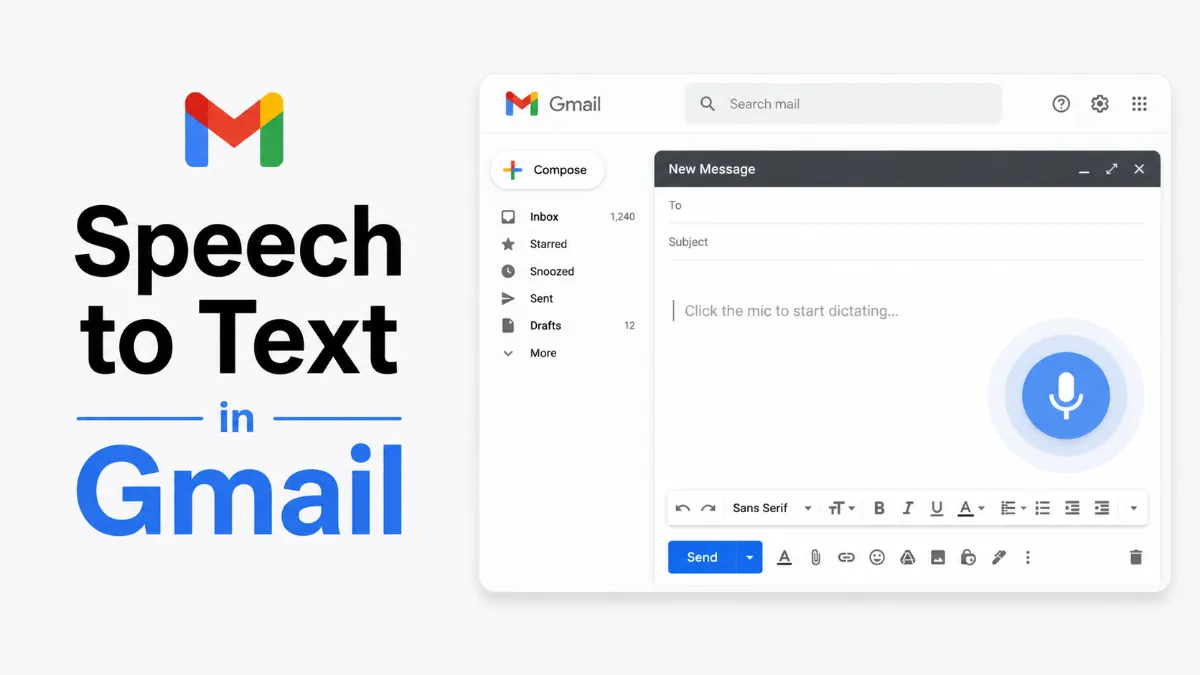
Gmail doesn't have a built-in dictation button, but there are several practical ways to use speech to text for composing emails. Here's what actually works and how to set it up.
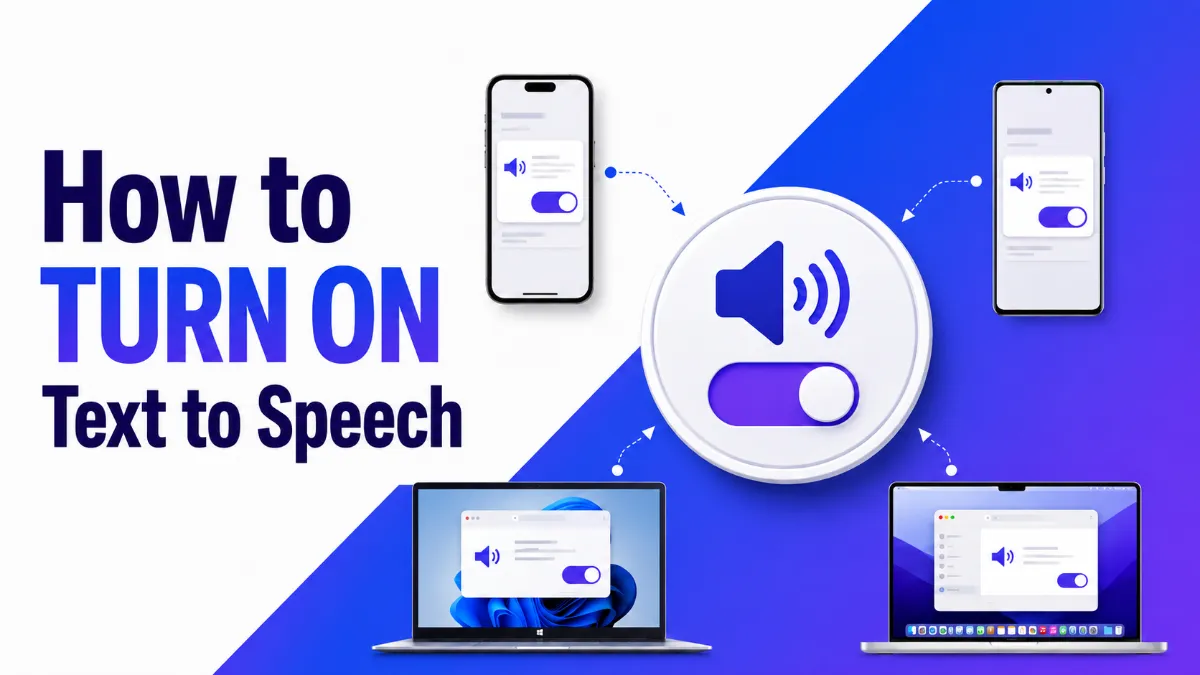
Need to turn on text to speech but not sure where to find it? This guide covers the exact steps for iPhone, Android, Windows, and Mac — including the hidden accessibility settings most users overlook.
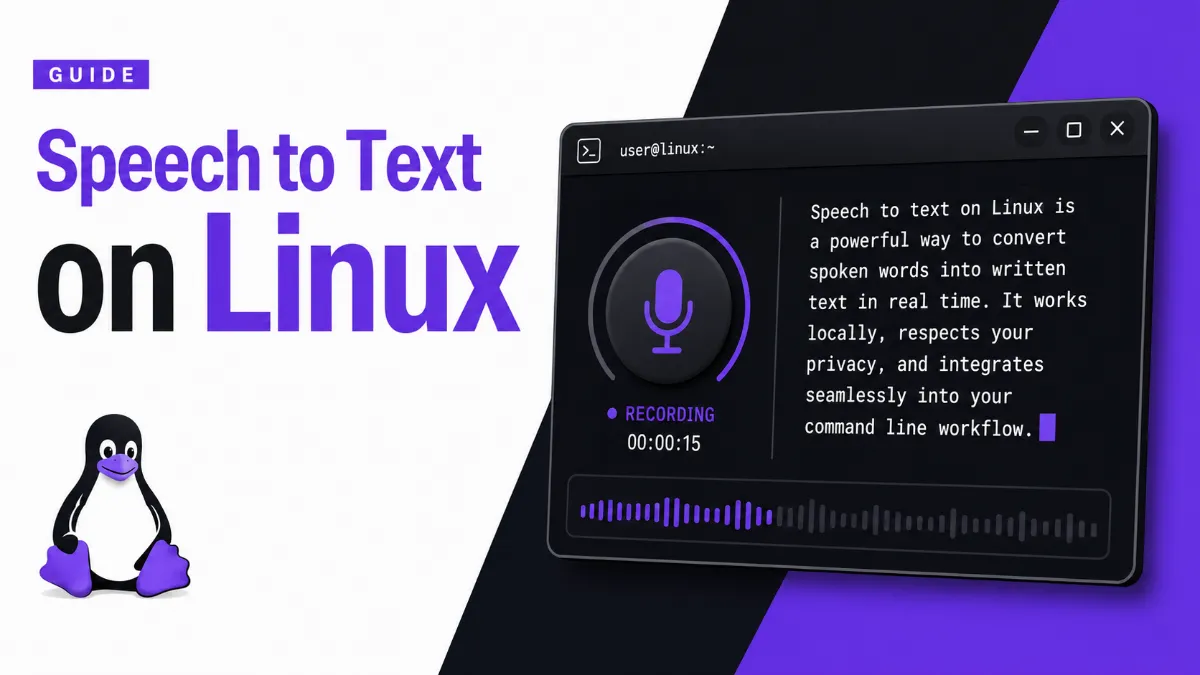
Speech to text on Linux is more fragmented than on Windows or Mac — but powerful options exist. This guide covers the best free and offline tools, from Vosk to OpenAI Whisper, with setup examples and honest advice on what actually works.
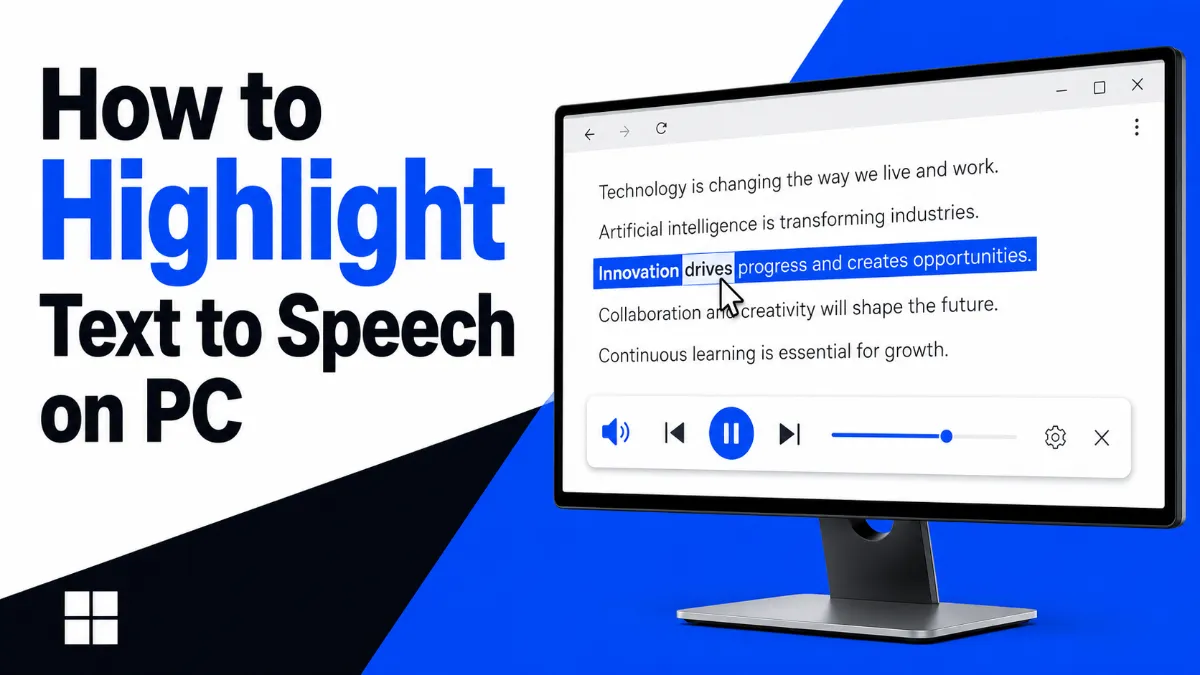
Discover the best ways to highlight text to speech on PC — from Chrome extensions and Edge's built-in Read Aloud to Windows Select-to-Speak and third-party apps. Find the right tool for your workflow.
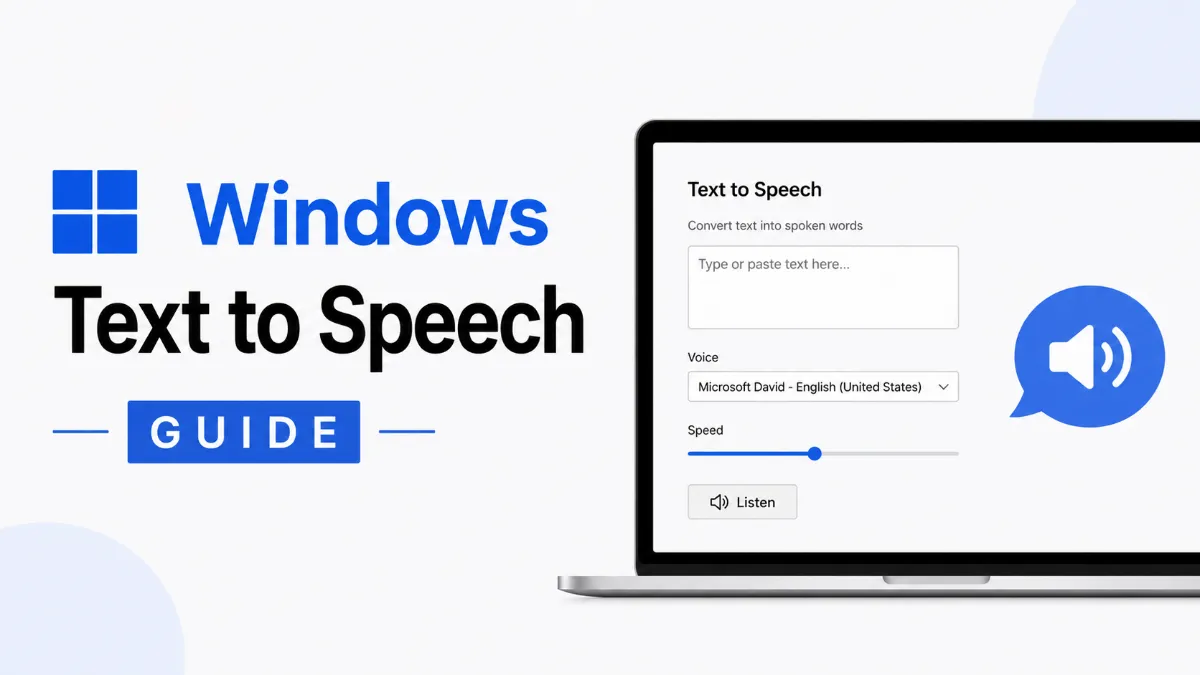
Windows has multiple built-in text to speech tools, and each one does something different. This guide explains Narrator, Voice Typing, Edge Read Aloud, and Office Read Aloud — and which one to use for listening to content, dictating text, or accessibility.
Speech to text is built into Windows, iPhone, Android, and Mac — but the steps to enable it are different on every platform. This guide walks you through exactly how to turn it on for each device, with quick troubleshooting for when it doesn't work.
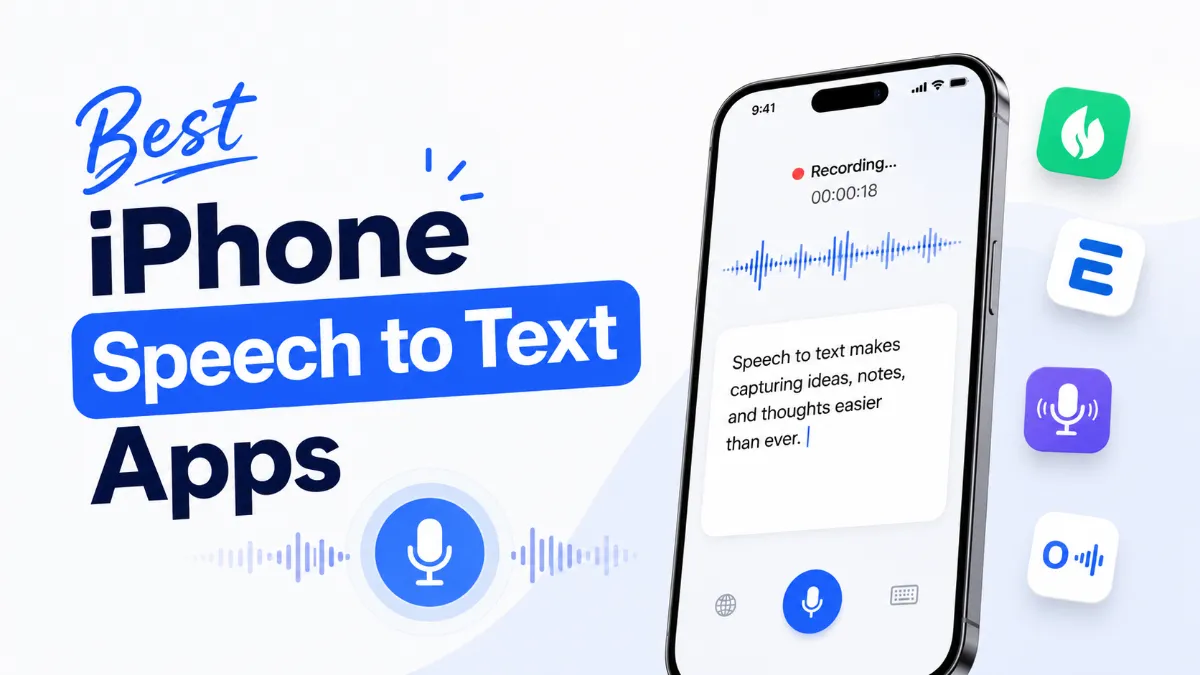
iPhone has solid built-in STT through Dictation and Siri, but the best speech to text app for iPhone depends on what you’re actually doing — quick notes, meeting transcription, long-form dictation, or professional audio work all call for different tools.
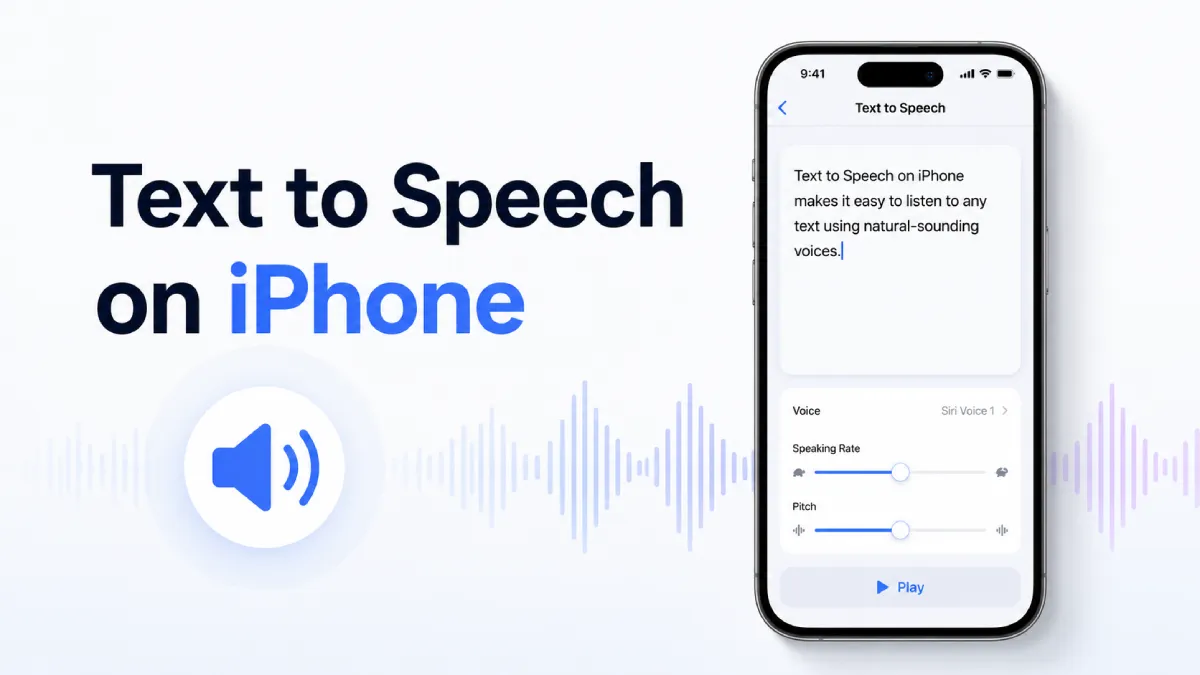
iPhone has three built-in ways to read text aloud — each suited to a different situation. Most guides cover one. This one covers all of them, including iOS 18 Personal Voice and a decision framework for choosing between methods.
iPhone's built-in Dictation turns your voice into text without any extra app — but it has real limits. This guide covers setup, voice commands, common fixes, and when a third-party speech to text app makes more sense for your iPhone.
Google Docs includes a free voice typing feature that converts speech to text in real time — no plugin required. This guide covers how to set it up on desktop and mobile, the commands you need, and how to fix it when it stops working.
If you want speechify alternatives that are actually usable, this guide compares 9 specific text to speech tools by name, including free options, student-friendly picks, and apps for listening on desktop, mobile, or web.
Your iPhone has three built-in ways to read text aloud — each takes under 60 seconds to enable. Speak Selection reads highlighted text, Speak Screen reads the full page hands-free, and Siri AI (coming fall 2026) can read whatever's on your screen without any setup. Here's which one to use and when.
Want to listen to Kindle books in your browser or build a smoother read-and-listen workflow? This comprehensive guide explains what Kindle Chrome extensions can and cannot do, and reveals better text-to-speech options for modern reading habits.
Tortoise TTS v2 stands out for expressive, natural-sounding speech, but it is not the right fit for every text-to-speech workflow. This guide explains where it shines, what tradeoffs matter, and how to choose a practical setup.
Google pronounce words audio is a quick way to hear how words sound, but learners often need more than one pronunciation button to build lasting listening and speaking confidence.
If you are wondering how long text to speech takes, the answer depends on word count, playback speed, and content complexity. A simple timing estimate can save editing and production time.
AI Listen articles are reviewed through a collaborative editorial process. Research editors, product editors, and content editors work together to verify context, clarify product implications, and maintain a consistent standard for timely, trustworthy coverage of AI Voice, TTS, translation, and audio-first tools.
Editorial Team
Continue Exploring the AI Listen Blog
Read more editorial coverage on AI Voice, Text-to-Speech, AI translation, tutorials, tool comparisons, and audio-first product trends. Continue from this author profile into related articles, topic hubs, and the AI Listen blog archive.