Julian covers AI tools, platform releases, and product updates across the AI voice and audio space. Her editorial focus is on practical usability — how new features and product changes affect day-to-day workflows for creators, teams, and listeners using AI audio tools.
AI Tools
TTS
AI Listen
Tips & Tricks
Alternative To
View All Articles
0
Updates This Week
Timely coverage of voice AI
28
Covered Topics
Across voice, TTS, and tools
5.4k
Monthly Readers
Trusted by active readers
21
Published Posts
Across voice, TTS, and tools
Expertise & Topics
Julian covers AI tools, platform releases, and product updates across the voice and audio space, with a focus on how features and changes affect practical workflows for creators, teams, and everyday users.
TTS
AI Listen
AI Translate
AI Tools
Tutorials
Real-time Translation
Tips & Tricks
AI Trends
Alternative To
About Julian Sterling
Julian Sterling is a lead AI tools and product editor at AI Listen, covering feature releases, platform updates, and practical product guides across TTS, AI narration, and audio-first tools. She translates product announcements into actionable editorial context, helping creators and content teams understand what changes actually mean for their workflows.
Within the AI Listen editorial process, Julian works closely with research editors and content strategists to keep product coverage timely, accurate, and user-focused. This page is her author profile and an index of her published product and tools coverage.
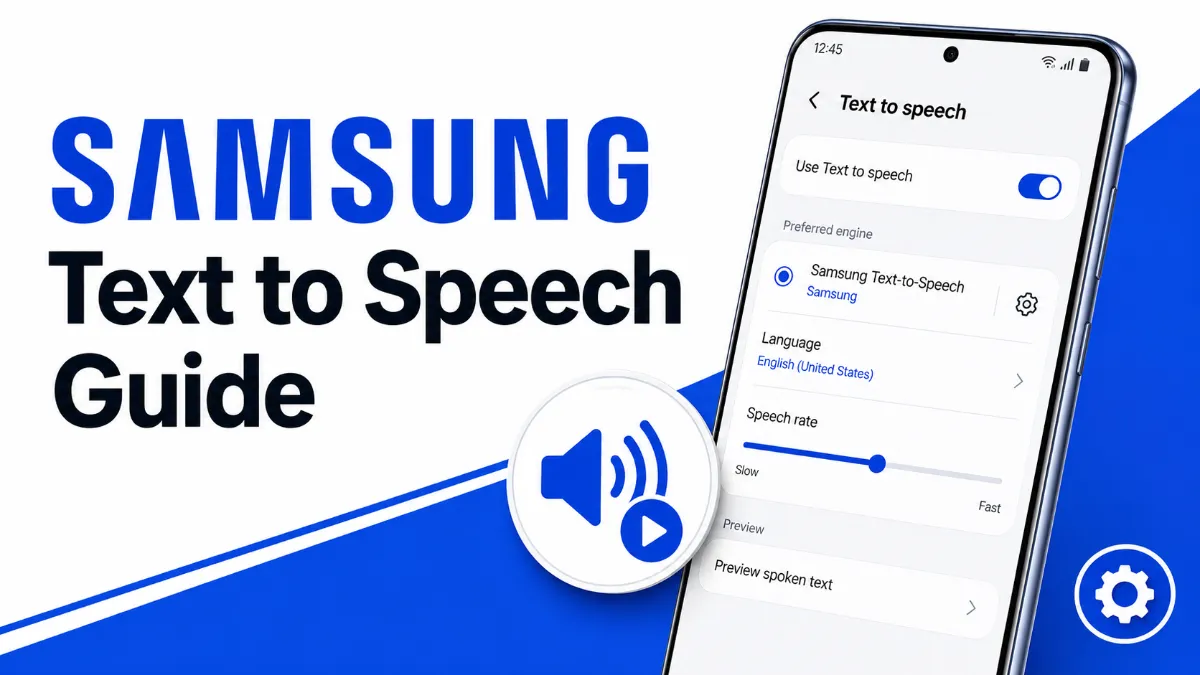
A complete guide to Samsung Text to Speech — how to turn it on, customize voices, choose between Samsung and Google TTS engines, and resolve the Android 15 bug that breaks TTS in third-party apps.
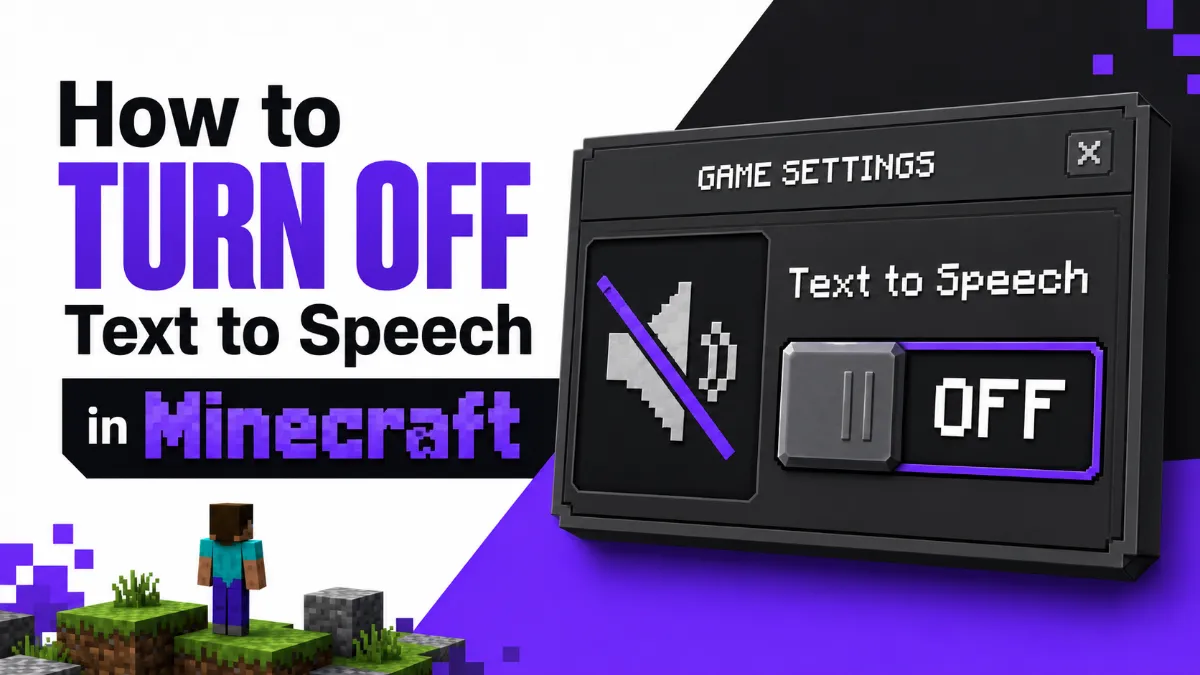
Minecraft's narrator reads everything out loud — and it's easy to trigger by accident. This guide shows you how to turn off text to speech in Minecraft across every platform: Java Edition, Bedrock Edition, Xbox, PS5, and Nintendo Switch.
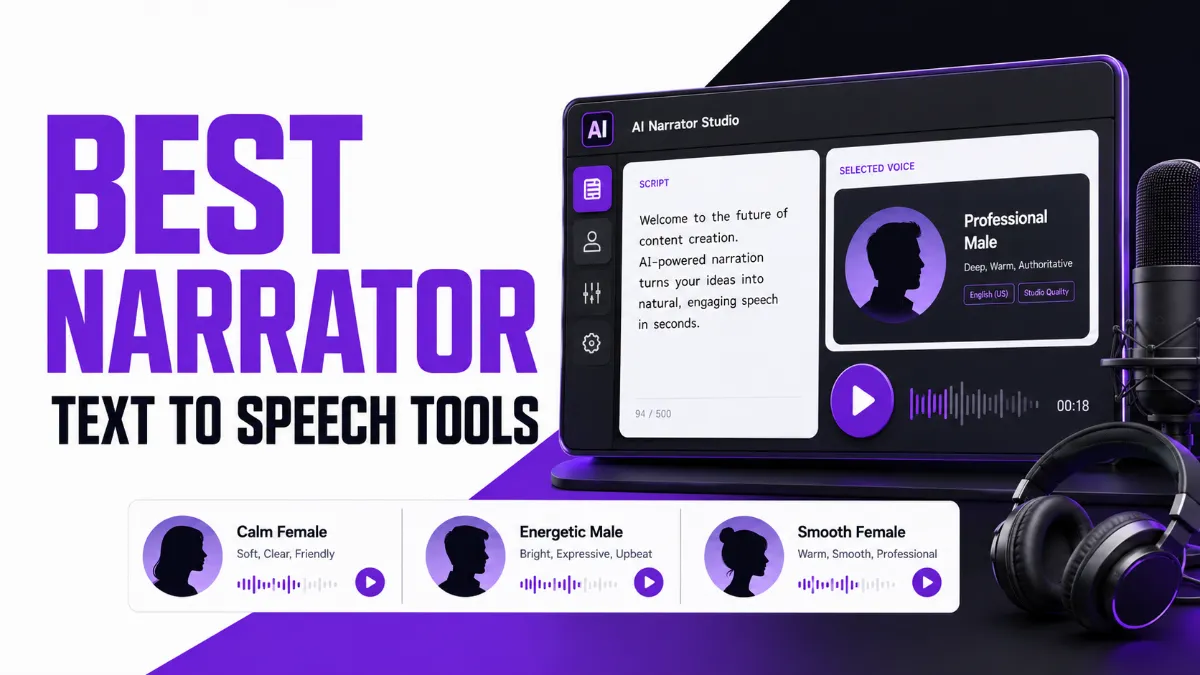
Confused about narrator text to speech? This guide covers both sides: Windows Narrator as an accessibility screen reader, and the best AI narrator voice tools for YouTube creators, audiobook producers, and content marketers.
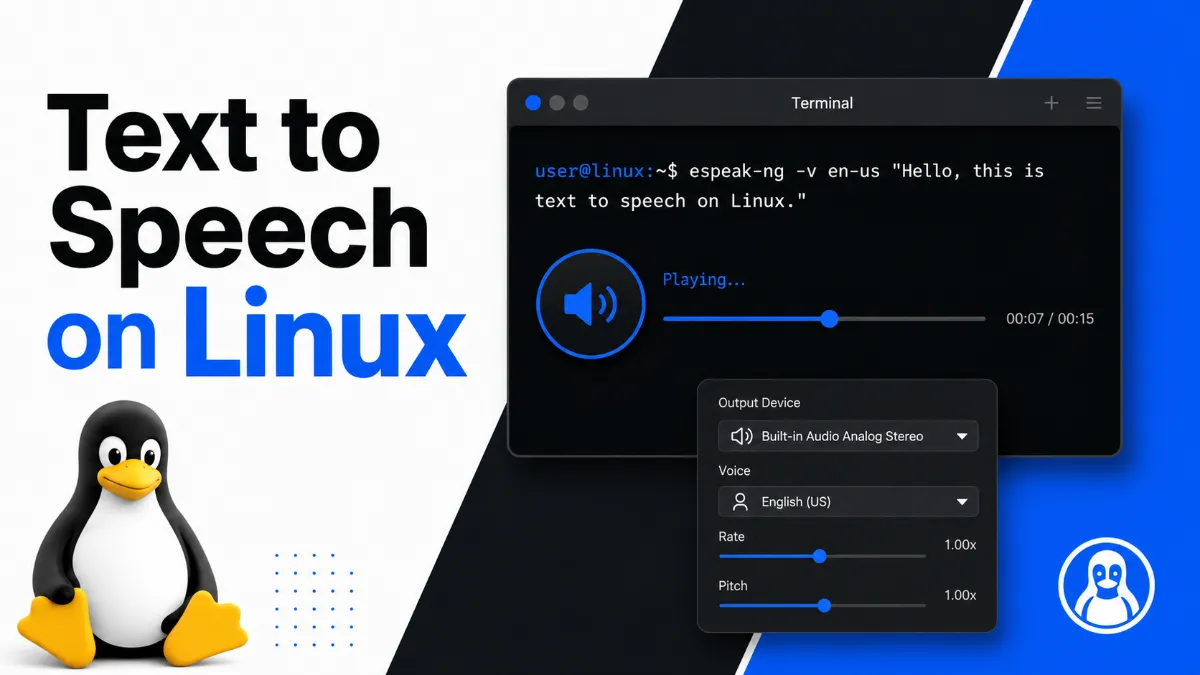
Text to speech on Linux is more capable than most users realize. This guide covers CLI tools like eSpeak and Piper, the best GUI app for desktop users, and online alternatives — with install instructions for Ubuntu.
Chromebook has multiple speech and voice tools built in, but they serve very different purposes. This guide explains which feature to use for typing by voice, which to use for having text read aloud, and when a Chrome extension gives you more than the built-in options.
Android’s text to speech tools range from a built-in accessibility engine to dedicated apps designed for longer listening sessions. This guide covers how to use each, and which option fits your workflow.
Free AI narrator tools exist — but they come with limits that aren’t always obvious upfront. This guide compares the real free options for AI text to speech, explains what each tier actually includes, and walks you through getting started with the best one for your use case.
A complete developer guide to building speech-to-text programs in C++ using whisper.cpp, Google Cloud Speech-to-Text, and Microsoft Azure Cognitive Services — with runnable code, a performance comparison, and guidance on which approach fits your use case.
Samsung Galaxy phones offer multiple speech-to-text options, but knowing which engine to use — and how to enable it correctly — makes all the difference. This guide covers every method, from Samsung Keyboard voice input to Bixby, with model-specific tips.
ElevenLabs doesn't support SSML bold tags, but Audio Tags, punctuation patterns, and the Style Exaggeration slider give you precise control over stress and emotion. This guide covers every method, including what changed in v3.
A complete step-by-step guide to binding Twitch Channel Points rewards to TTS, covering Streamlabs, Streamelements, Sound Alerts, AI voice upgrades, content filtering, and common fixes.
Windows 10 and 11 both include free built-in speech to text — but most users don't know the difference between Voice Typing, Speech Recognition, and Voice Access. This guide explains each, shows you how to start in under a minute, and covers when a third-party tool makes more sense.
Android has built-in speech to text through Gboard and Voice Typing — but the setup path varies by brand. This guide covers how it works on Samsung, Pixel, and other Android devices, plus the best apps for meetings and long recordings.
Discord supports text-to-speech two ways: the built-in /tts command for quick spoken messages, and dedicated TTS bots that join voice channels and read continuously. This guide covers both, explains why TTS sometimes stops working, and shows how to configure it for your server.
Turn any written text into natural audio instantly. This 2026 guide reviews the best free online text to sound converters, highlighting their strengths, limitations, and hidden character caps.
Trying to choose between Speechify and NaturalReader? This guide compares their real-world strengths, limitations, and which type of user each app suits best.
AI Listen articles are reviewed through a collaborative editorial process. Research editors, product editors, and content editors work together to verify context, clarify product implications, and maintain a consistent standard for timely, trustworthy coverage of AI Voice, TTS, translation, and audio-first tools.
Editorial Team
Continue Exploring the AI Listen Blog
Read more editorial coverage on AI Voice, Text-to-Speech, AI translation, tutorials, tool comparisons, and audio-first product trends. Continue from this author profile into related articles, topic hubs, and the AI Listen blog archive.