People searching for text to speech uberduck are usually trying to figure out one of two things: what Uberduck actually does, and whether it is the right text-to-speech tool for their needs. That distinction matters, because Uberduck is often discussed as if it belongs in the same category as reading-focused TTS apps, when in practice it serves a different kind of use case.
If your goal is meme audio, AI-generated voice experiments, creator content, or voice-style novelty, Uberduck can make sense. If your goal is listening to PDFs, webpages, study material, and long-form text in a smooth daily workflow, the decision becomes different. That is exactly where many users get confused.
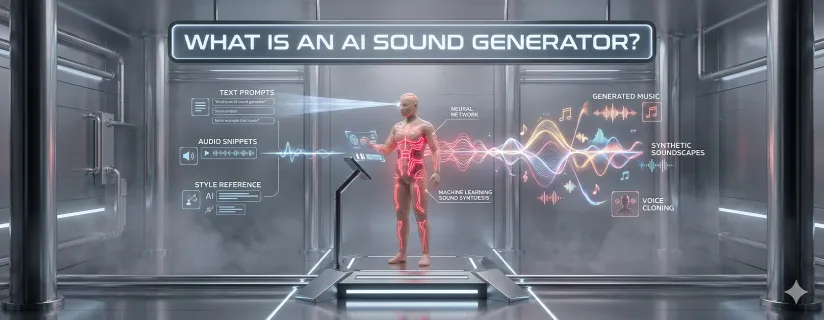
Uberduck is primarily known as an AI voice generation platform associated with synthetic voices, creative audio output, and voice experimentation. Its name often comes up in conversations around voice cloning, internet content creation, character-like voices, and novelty voice output.
That reputation makes it appealing to:
creators making social or short-form content,
users experimenting with synthetic voices,
projects where voice style matters more than reading comfort,
API or voice-generation workflows.
In other words, Uberduck is often chosen for what the voice can sound like, not necessarily for how comfortably users can listen to documents over time.
Uberduck can make sense when the goal is creative audio generation rather than long-form reading.
If a user wants unusual voice output for videos, experiments, or short-form entertainment, Uberduck fits that creative niche better than a pure document-reading tool.
Users interested in AI voice styles, custom-sounding output, or playful synthetic audio may find Uberduck more interesting than a productivity-oriented TTS app.
If the appeal of the output lies in the voice itself rather than the reading workflow, Uberduck has a clear use case.
This is the part many comparison articles skip. A tool can be interesting without being right for most reading workflows.
If you want to listen to reports, PDFs, books, webpages, or study materials for long stretches, voice novelty is usually less important than comfort, clarity, and control.
Users who rely on text-to-speech for dyslexia, visual fatigue, or screen reduction usually need stability and readability more than experimental voice features.
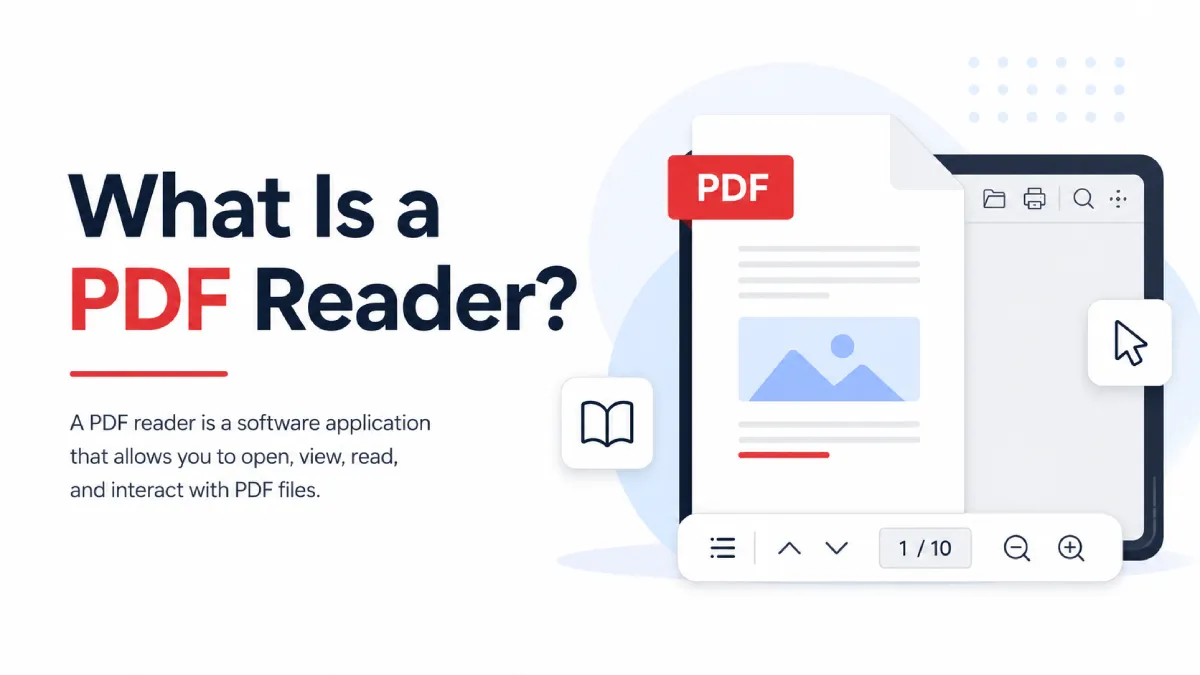
Many users do not only need text-to-speech for pasted text. They need it for PDFs, Word files, EPUBs, webpages, and scans.
If your material comes from screenshots, scanned documents, or image-heavy sources, a creative voice platform may not solve the real bottleneck.
This is the core distinction readers need in order to choose correctly.
These are strongest when the goal is to produce a voice output with a certain style, effect, or identity.
These are strongest when the goal is to consume written content efficiently, comfortably, and across real-world document types.
A lot of user frustration comes from choosing a voice-generation tool when what they really needed was a reading tool.
Ask what you are trying to do most often.
you care about voice style more than reading comfort,
you make short-form or entertainment content,
you want novelty or character-like output,
your workflow is centered on audio generation rather than reading.
you listen to long documents regularly,
you want to convert PDFs or webpages into audio,
you need OCR,
you care about follow-along reading,
you want a smoother study or productivity workflow.
AI Listen Audio Reader is a better fit for users whose main goal is reading and listening rather than voice experimentation. It supports PDFs, Word files, TXT, EPUB, webpages, and image scans, which makes it much more practical for real document workflows.
That matters because most people looking for text-to-speech in everyday life are trying to process information, not produce novelty audio. They want to get through long reading faster, reduce screen fatigue, handle scanned files, and listen across multiple formats without constantly changing tools.
If the material is a report, article, study packet, or ebook, comfort and continuity matter more than voice gimmicks.
Real reading workflows are messy. They involve PDFs, Word docs, webpages, TXT files, EPUBs, and screenshots—not just pasted text.
This is one of the biggest practical differentiators. If your text is trapped inside a scan or image, OCR support matters more than voice novelty.
Synchronized highlighting makes it easier to stay oriented and absorb content while listening.
With support for 40+ languages, AI summaries, and speed reading, AI Listen Audio Reader fits much better into education, professional review, and accessibility-driven use.
They do not. Some are built for voice generation, others for reading.
A voice that sounds fun in a short clip may not be comfortable for long listening sessions.
If the app cannot handle your PDFs, scans, or study files well, the voice quality will not save the workflow.
The most interesting tool is not always the most useful one.
creator experiments,
playful synthetic voice output,
voice-style projects,
short-form audio generation.
reading PDFs aloud,
listening to long documents,
working across multiple formats,
OCR-based reading,
study and accessibility workflows,
practical daily text-to-speech use.
Text to speech uberduck is worth exploring if your interest is in AI-generated voice creativity, synthetic voice identity, or short-form creator workflows. But that does not automatically make it the best choice for users who simply want a strong everyday text-to-speech experience.
If your goal is reading rather than voice experimentation, a tool like AI Listen Audio Reader is often the better fit. The key is to choose based on workflow, not just on the broad label of “text-to-speech.”